Upload date
All time
Last hour
Today
This week
This month
This year
Type
All
Video
Channel
Playlist
Movie
Duration
Short (< 4 minutes)
Medium (4-20 minutes)
Long (> 20 minutes)
Sort by
Relevance
Rating
View count
Features
HD
Subtitles/CC
Creative Commons
3D
Live
4K
360°
VR180
HDR
3,790 results
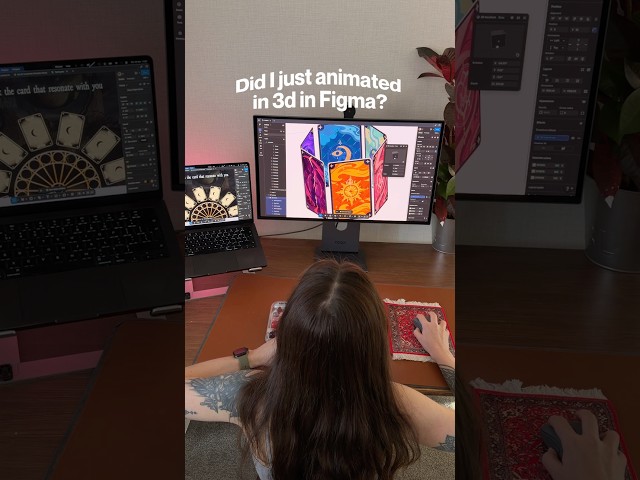
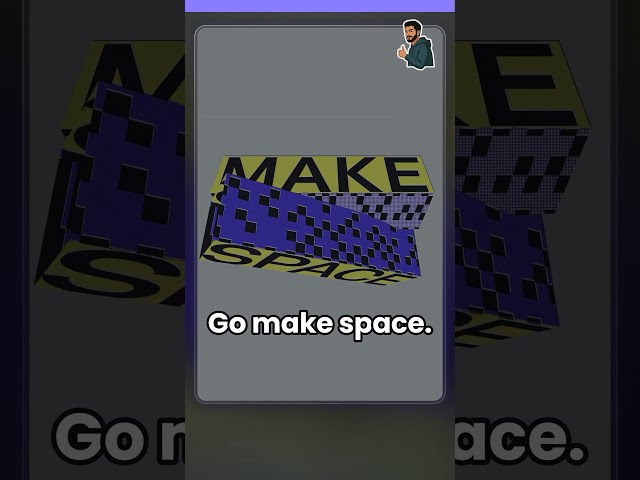
Okay, Figma is getting a little too powerful now 3D transforms are finally here! Rotate designs across X, Y and Z axes, play with ...
8,778 views
7d ago
Learn Figma in 30 minutes with this complete Figma tutorial for beginners in Hindi (Hinglish)! If you're new to Figma and want to ...
647 views
4d ago
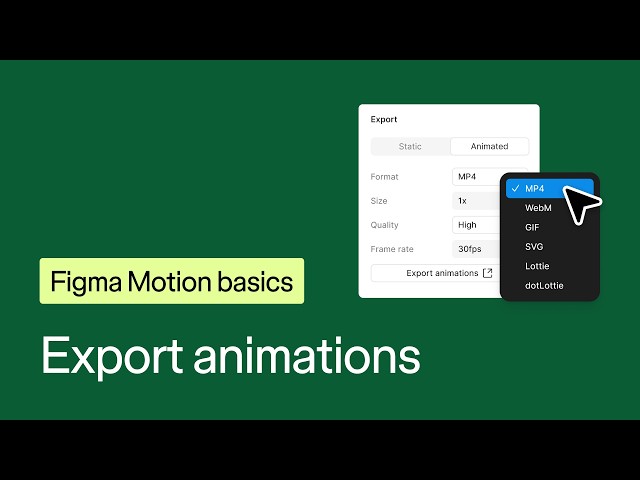
Let's learn how to export animations from Figma. You can export animations created in Figma Motion to share designs with others, ...
6,791 views
3d ago
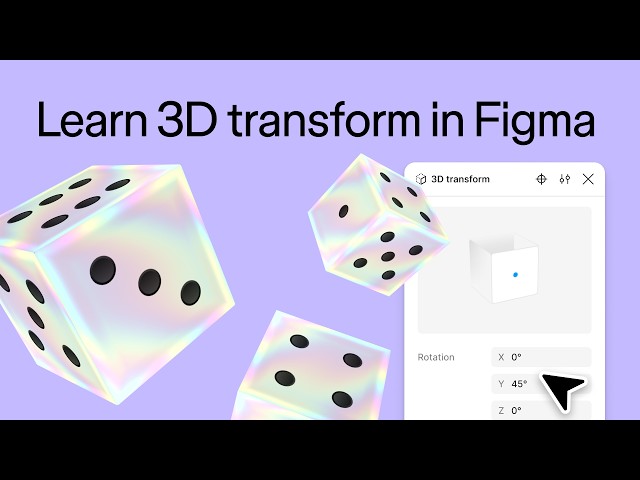
3D transform effects let you combine your favorite Figma features with new 3D effects to take your designs to a whole new ...
17,336 views
How To Image Masking in Figma (Beginners Guide) In this detailed tutorial, we dive into the world of image masking using Figma, ...
2 views
8h ago
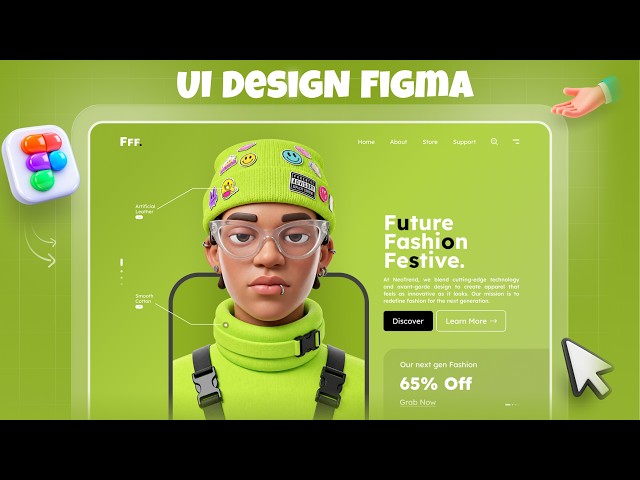
I Created a Futuristic Interactive UI Design in Figma — WITHOUT using ChatGPT, Claude, or any AI tools! In this video, I'm ...
244 views
Apple's Secret Design Hack (1 Line of CSS) Apple doesn't use normal rounded corners—they use squircles. ✨ By easing the ...
32,434 views
How To Hyperlink In Figma (Step by step Tutorial) In this video, we will explore the essential steps to effectively create hyperlinks ...
1 view
7h ago
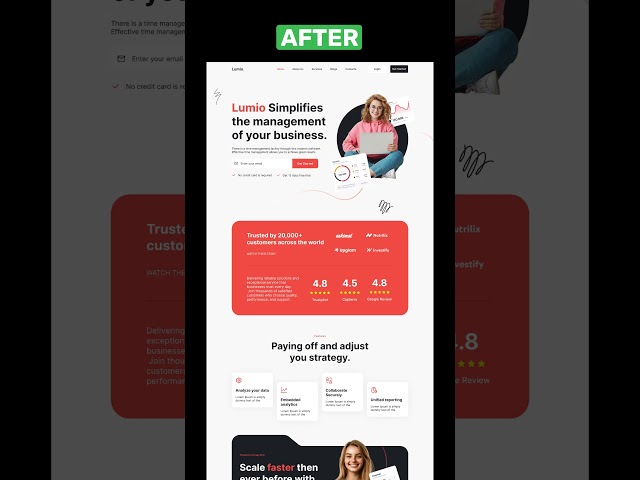
Watch this amazing transformation from a simple wireframe to a stunning high-fidelity SaaS website design in Figma! See how ...
100 views
Bring your Roblox UI to life with Framewisp. Add Smooth, Lean, Jump and Gleam tags in Figma, preview the effects, then export ...
5,141 views
5d ago
How to Fill a Shape in Figma (Simple Tutorial) In this video, we will explore how to fill a shape in Figma, a powerful design tool ...
0 views
34 min ago
How To Highlight Text In Figma Slides (Full tutorial) In this comprehensive tutorial, we'll explore the process of highlighting text in ...
5h ago
One variable. Four sizes. Episode 3 of “One Switch, Every Form”: we build the form variables from the common ones we made ...
83 views
2d ago
A button with zero hard-coded numbers. Episode 4 of “One Switch, Every Form”: we build the button component using the form ...
96 views
1d ago
Figma just went 3D. 3D transforms are now in open beta, and here's how they work in under a minute. Select a layer, hit + in ...
632 views
Still recreating your Figma designs by hand in Roblox Studio? Here's how to bring your UI into Roblox with Framewisp: select your ...
4,128 views
6d ago
Watch the full step-by-step tutorial on my YouTube channel! Subscribe to DesignByHeti for more Figma tutorials, UI design and ...
153 views
How To Add Borders To A Rectangle In Figma (Simple Steps) In this professional tutorial, we will explore the process of adding ...
3 views
21h ago
A little experiment in combining 3D animation, web design, and AI-powered development.
657 views