Upload date
All time
Last hour
Today
This week
This month
This year
Type
All
Video
Channel
Playlist
Movie
Duration
Short (< 4 minutes)
Medium (4-20 minutes)
Long (> 20 minutes)
Sort by
Relevance
Rating
View count
Features
HD
Subtitles/CC
Creative Commons
3D
Live
4K
360°
VR180
HDR
153,765 results
Learn Power BI end-to-end with Goodly Insider - https://courses.goodly.co.in/insider Join Goodly Circle to download the free ...
60,343 views
4w ago
In this lesson, you'll learn how to use PivotTables in Microsoft Excel to summarize, organize, and analyze large amounts of data ...
94 views
3w ago
Summarizing thousands of rows of sales data with formulas or by hand takes forever, and one small change means starting over.
3,777 views
6d ago
Want to summarize and analyze your Excel data without creating a traditional PivotTable? Meet the powerful PIVOTBY function in ...
364 views
Learn how to create a pivot table in Google Sheets! Master this tool to summarize your data. This tutorial guides you through the ...
5,818 views
2w ago
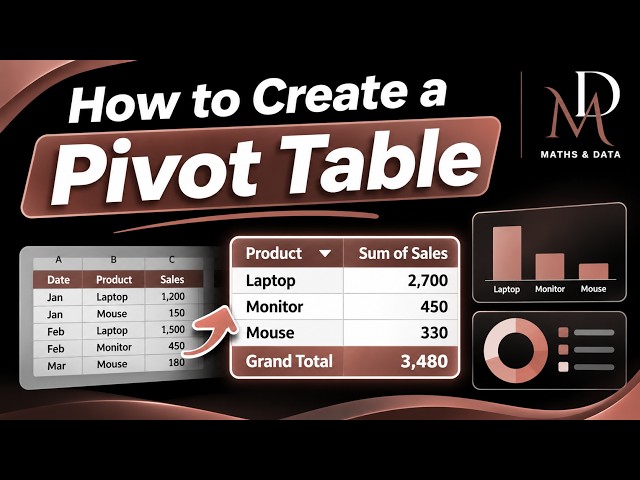
Learn how to create a Pivot Table in Excel with this easy Excel Pivot Table beginner guide. Follow this step-by-step tutorial to ...
6 views
11h ago
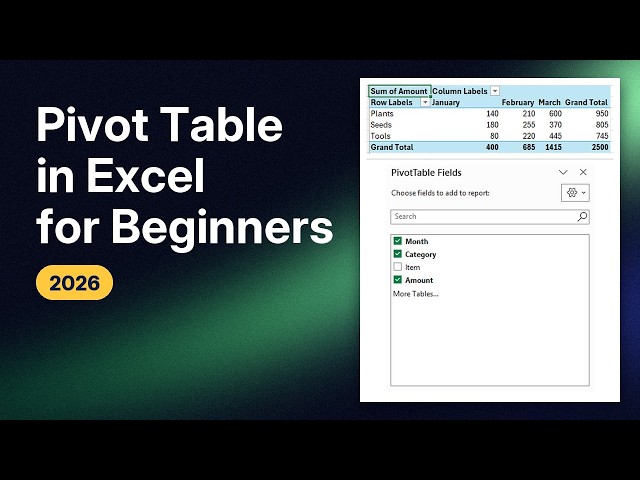
In this tutorial, I show you how to make a pivot table in Excel: turn a list of sales into totals per category and month, in a few clicks.
7 views
7h ago
How to Create and Use Pivot Tables in Microsoft Excel (Full Guide) In Today's Video We Cover: microsoft excel pivot table guide, ...
42 views
Full step-by-step Pivot Tables tutorial: https://youtu.be/72p0owid48g Turn thousands of rows into a pro report in minutes with Pivot ...
332 views
4d ago
How to make a pivot table in Excel: select your table, run PivotTable, choose New sheet, then tick the fields you want. Text goes to ...
25 views
The scariest name in Excel builds itself: drag two words into two boxes and the whole summary appears. Watch the full lesson: ...
30 views
Want to learn how to create a Pivot Table in Microsoft Excel? In this beginner-friendly tutorial, I'll show you how to create and use ...
220 views
10d ago
Turn 360 fictional sales orders into useful answers with Excel PivotTables. This beginner lesson teaches the four boxes—Rows ...
87 views
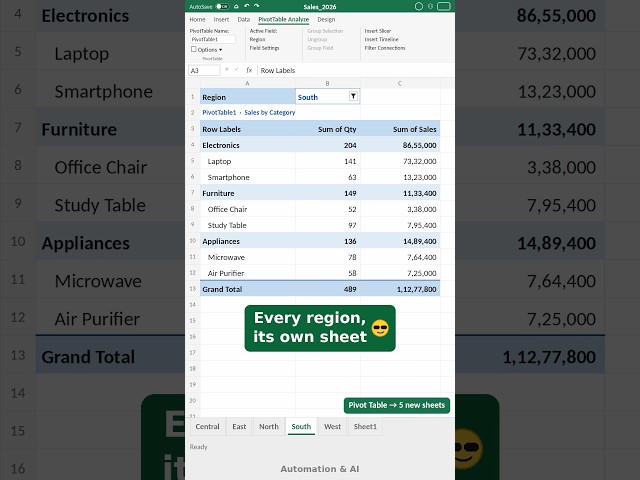
Pivot Table hidden feature: 1 sheet per region in 1 click NOOB: filter → copy → new sheet → paste… for every region PRO: ...
406 views
... guides for beginners: https://calmnumbersexcel.etsy.com/uk/listing/4597336052/pivottable-guide-for-beginners-excel Subscribe ...
369 views
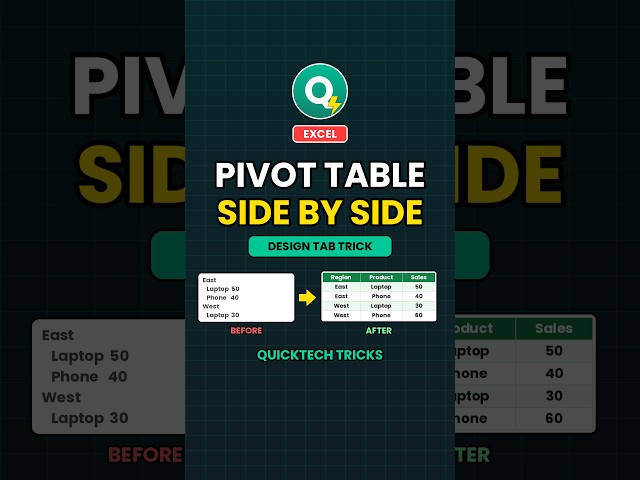
Pivot table side by side in Excel in seconds! Learn how to use the Design tab to show your pivot table data in separate columns.
1,019 views
Watch the full step-by-step PivotTable tutorial: Pivot Table Tutorial for Beginners: How to Create a Pivot Table in Excel (and Keep ...
434 views
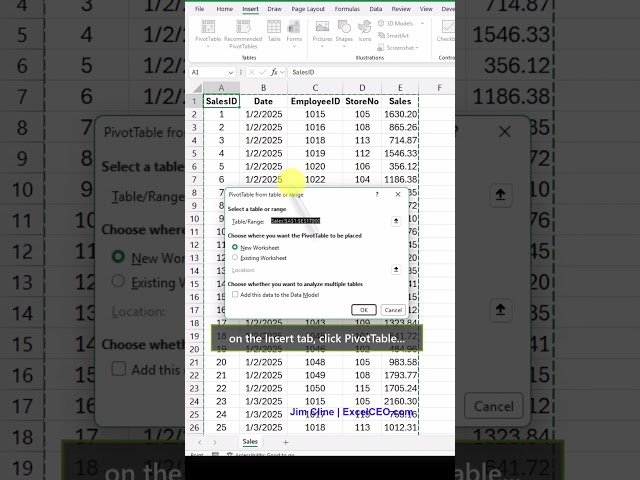
Why do Excel geeks love PivotTables? Maybe it's because we can turn thousands of rows of data into useful business ...
709 views
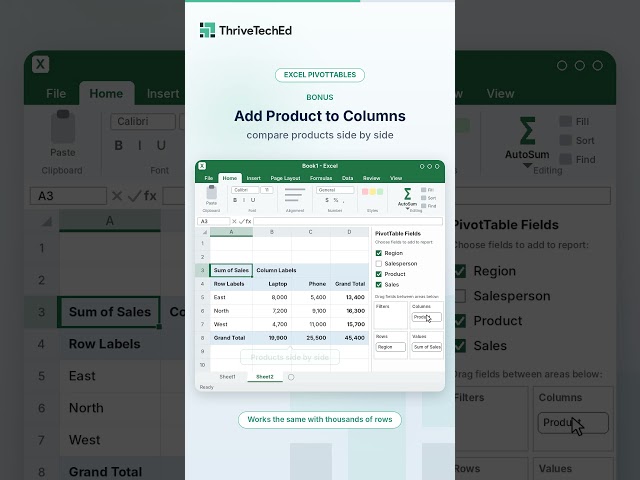
How to create a pivot table in Excel in 60 seconds: 3 easy steps for beginners. Learn more: thriveteched.com Want to summarize a ...
232 views
5d ago
In this video, you will learn How to create Calculated Field in Pivot Tables. If you want to get resource file, Download my ...
7,732 views