ViewTube

ViewTube
Sign inSign upSubscriptions
Filters

Upload date

Type

Duration

Sort by

Features

Reset

103 results

ceylon CAD
Solidworks Tutorial 16 :   Sweep Command tool , #solidworks,#innovation,#learning,#CAD ,#learning

Join this channel to get access to the perks: https://www.youtube.com/channel/UCf_Pu_IAiTbimTjf5LtoV8A/join Master the ...

13:31
Solidworks Tutorial 16 : Sweep Command tool , #solidworks,#innovation,#learning,#CAD ,#learning

167 views

9h ago

CAD Skill Zone
2D Drawing to 3D Modeling in SOLIDWORKS | Complete Step-by-Step Tutorial for Beginners #1

Want to Learn 3D Modeling from 2D Engineering Drawings? In this tutorial, we will transform a 2D Engineering Drawing into a ...

4:19
2D Drawing to 3D Modeling in SOLIDWORKS | Complete Step-by-Step Tutorial for Beginners #1

4 views

9h ago

UseFreeCAD
MitCAD 0.70 Beginner Tutorial | Getting Started with 3D Modeling

Welcome to this **MitCAD 0.70 beginner tutorial!** In this video, we'll take a first look at MitCAD, a 3D CAD modeling software, ...

18:00
MitCAD 0.70 Beginner Tutorial | Getting Started with 3D Modeling

630 views

8h ago

Blender 3D Architect
Open-Source CAD Tool Just Added NURBS — This Isn't Just an AutoCAD Clone Anymore

The free AutoCAD alternative just went 3D — with Surfaces and NURBS support. This changes everything. Open CAD Studio has ...

7:34
Open-Source CAD Tool Just Added NURBS — This Isn't Just an AutoCAD Clone Anymore

726 views

2h ago

CADable
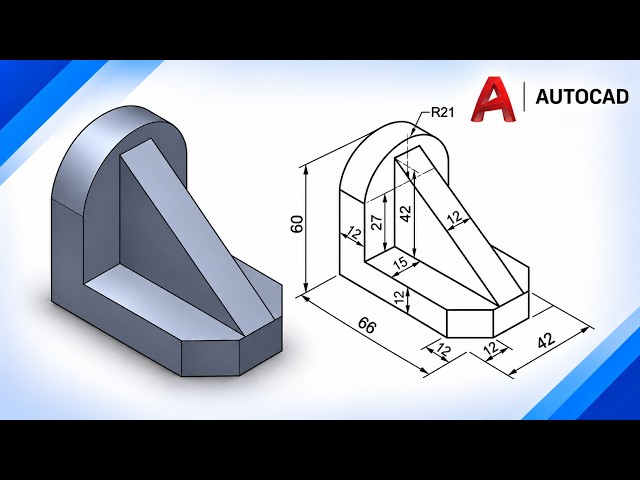
AutoCAD Exercise 13 | AutoCAD 3D Modeling | AutoCAD Isometric Drawing | Change Plane in AutoCAD

This is Engr. Ibrahim Omer and in todays tutorial we will learn how to model mechanical part using AutoCAD 3d commands.

9:05
AutoCAD Exercise 13 | AutoCAD 3D Modeling | AutoCAD Isometric Drawing | Change Plane in AutoCAD

4 views

3h ago

Optimal Printing Solutions 3D
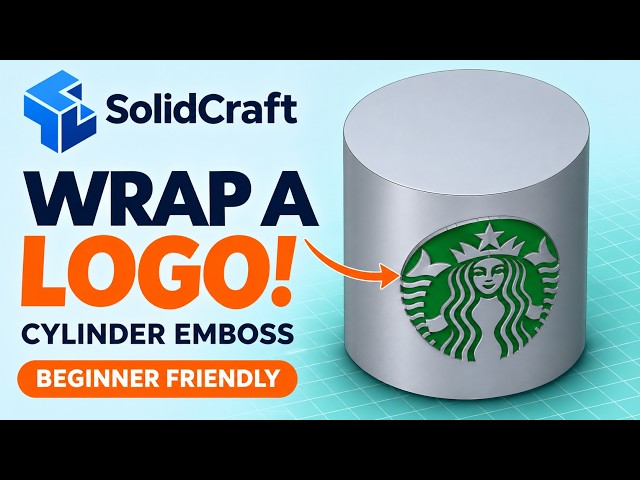
How to Emboss a Logo on a Cylinder in SolidCraft | Beginner Tutorial

Learn how to use the Emboss tool on a cylinder in SolidCraft! In this beginner friendly tutorial, I demonstrate how to wrap a logo ...

10:30
How to Emboss a Logo on a Cylinder in SolidCraft | Beginner Tutorial

2,659 views

11h ago

3D Mechanical Design
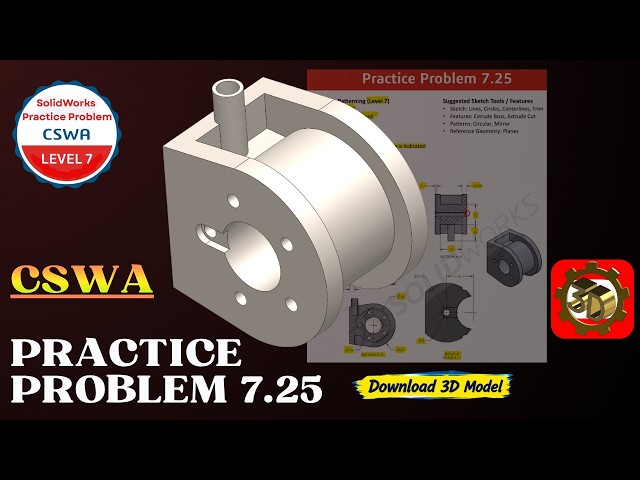
SOLIDWORKS CSWA Practice Problem 7.25: Step-by-Step Solution

In this SolidWorks tutorial video, we provide a step-by-step solution to practical problem CSWA 7.25 (Section / level 7, Question ...

6:38
SOLIDWORKS CSWA Practice Problem 7.25: Step-by-Step Solution

51 views

10h ago

Guru Design Lab
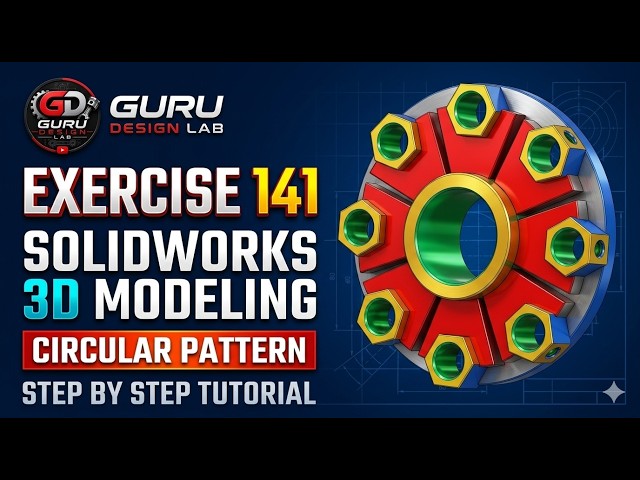
SOLIDWORKS Exercise 141 | 3D Mechanical Part Modeling | Advanced CAD Design Tutorial

Welcome to Guru Design Lab! In this video, I will show you how to create SOLIDWORKS Exercise 141 step by step. Learn how to ...

6:52
SOLIDWORKS Exercise 141 | 3D Mechanical Part Modeling | Advanced CAD Design Tutorial

8 views

10h ago

Surya Chauhan
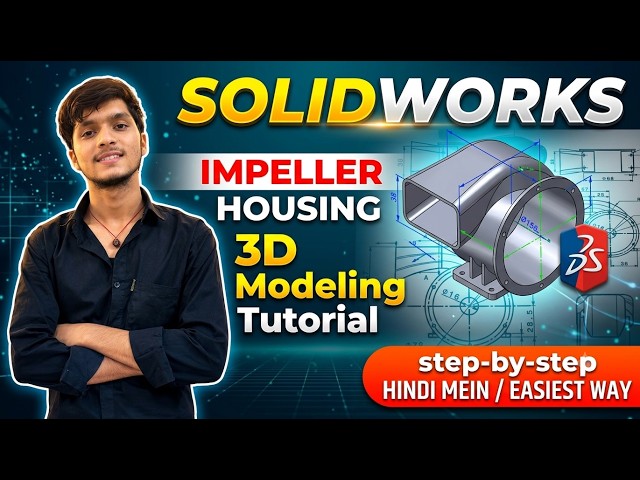
SolidWorks 3D Modeling | Impeller Housing Full Part Design #solidworks #3dmodeling

Like the video Subscribe to my channel for more SolidWorks and AutoCAD tutorials. Created by: Surya Chauhan #SolidWorks ...

13:50
SolidWorks 3D Modeling | Impeller Housing Full Part Design #solidworks #3dmodeling

6 views

14h ago

CAD CAM TUTORIAL BY MAHTABALAM
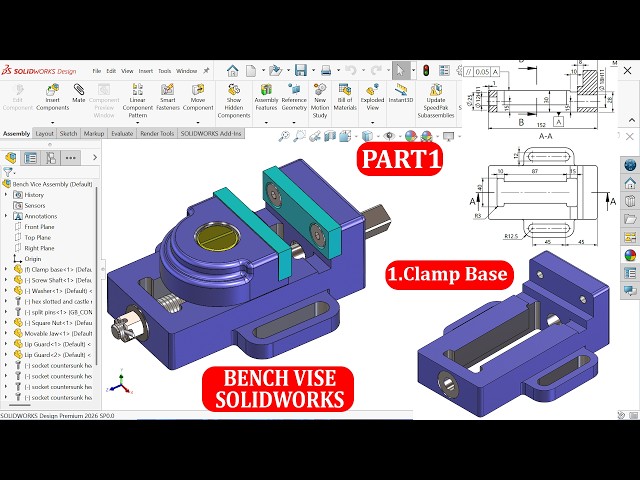
Bench Vise Parts and Assembly in SolidWorks Part1-Clamp Base

FOR DRAWING CHECK FACEBOOK PAGE Facebook page ...

17:49
Bench Vise Parts and Assembly in SolidWorks Part1-Clamp Base

2,472 views

19h ago

Engineer Hunter
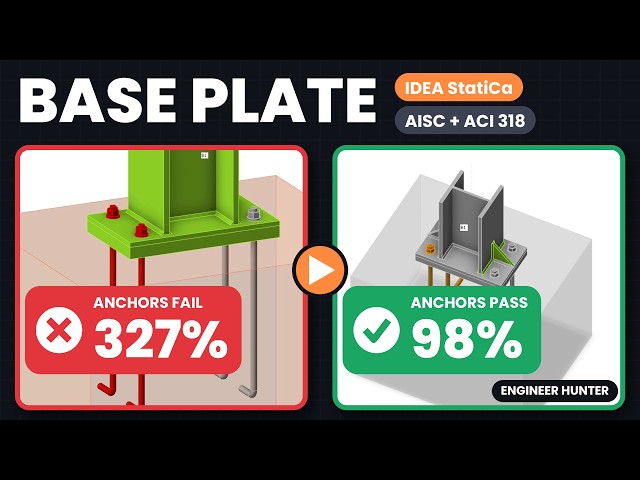
IDEA StatiCa Base Plate Design Tutorial (AISC + ACI 318)

Design a column base plate in IDEA StatiCa (AISC 360-16 + ACI 318-14, metric): the anchors fail at 327%, and two fixes bring ...

5:12
IDEA StatiCa Base Plate Design Tutorial (AISC + ACI 318)

161 views

11h ago

Creauctopus
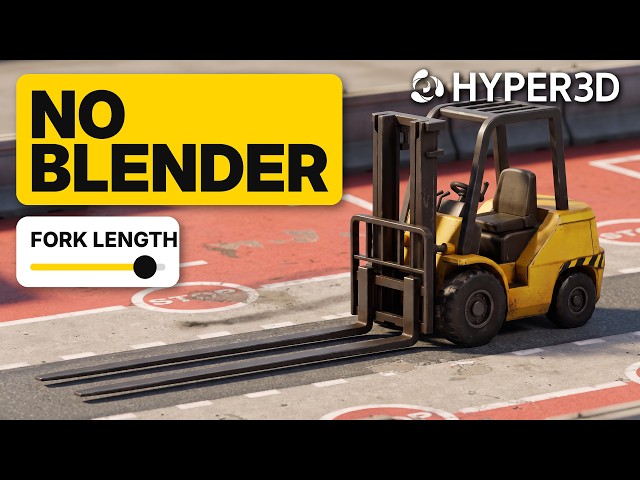
AI 3D Model Generator That Animates Your Models (Hyper3D Rodin)

Check Hyper3D's Black Friday deal on its website: ...

6:25
AI 3D Model Generator That Animates Your Models (Hyper3D Rodin)

717 views

8h ago

CAD CAM Lessons
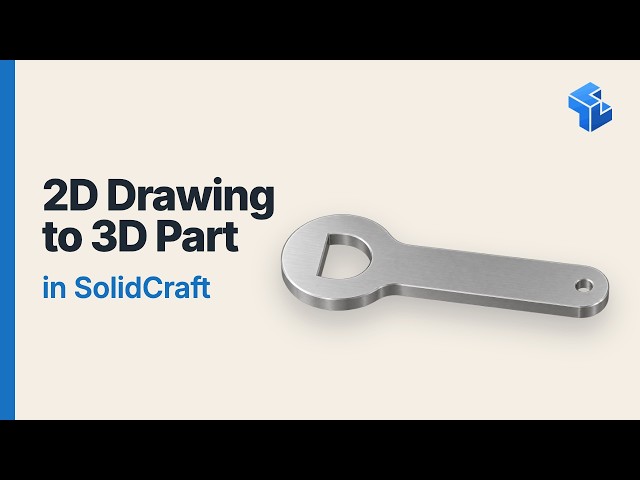
SolidCraft Beginner Exercise: Sketch, Extrude and Chamfer

CAD Practice Workbook – parts to model on your own from technical drawings (works in any CAD): ...

4:34
SolidCraft Beginner Exercise: Sketch, Extrude and Chamfer

547 views

7h ago

KherveTools
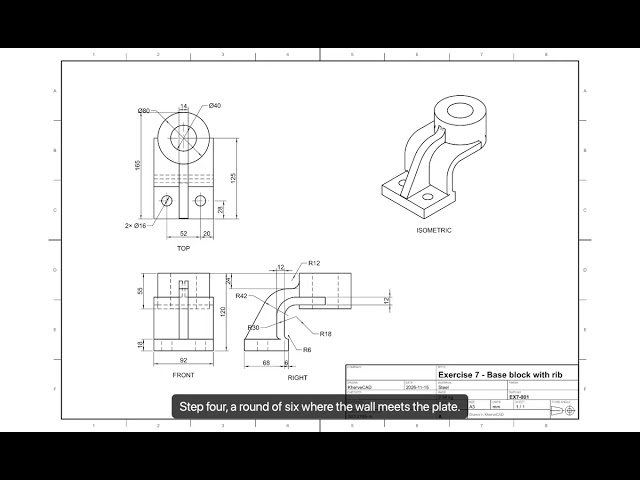
kCAD Exercise 7 — Base block with rib

A 92 × 68 × 18 base block with two Ø16 holes, a bent wall (R18 / R30), a Ø80 boss bored Ø40 and a rib, modelled step by step in ...

5:33
kCAD Exercise 7 — Base block with rib

17 views

12h ago

Engineering Design
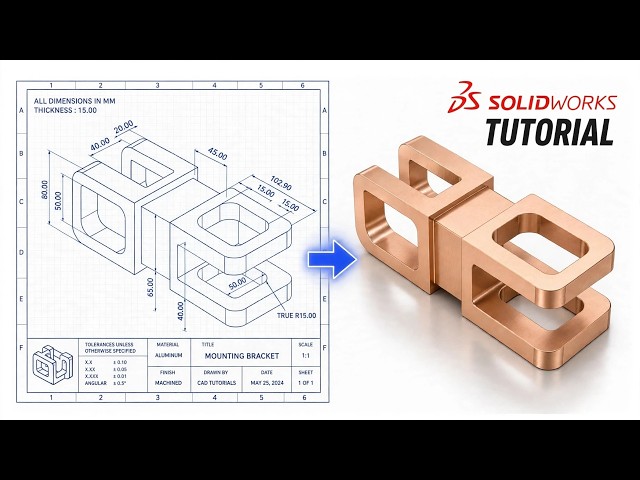
How To Make Mounting Bracket In SolidWorks? | Step By Step Tutorial!

Mounting Bracket Design In SolidWorks | Drawing To 3D Model Full Tutorial! In this video, I will show you step-by-step how to ...

8:26
How To Make Mounting Bracket In SolidWorks? | Step By Step Tutorial!

92 views

16h ago

Curious jack
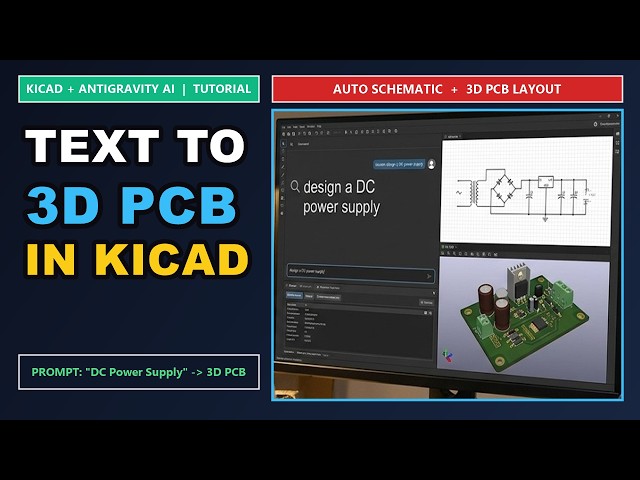
Text-to-PCB in KiCad: Designing Circuits & 3D PCBs with Google Antigravity AI

Can AI design real electronic circuits, run SPICE simulations, and lay out a 2-layer 3D PCB directly inside KiCad from ...

11:33
Text-to-PCB in KiCad: Designing Circuits & 3D PCBs with Google Antigravity AI

4 views

2h ago

CAD CAM HUB
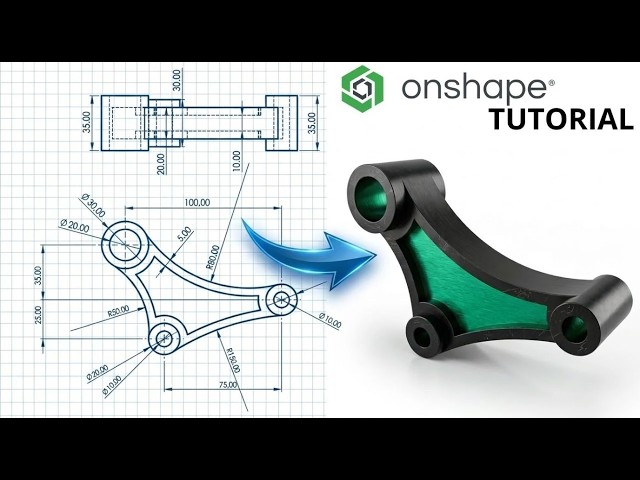
Onshape Tutorial From Zero   Beginner Step-by-Step Modeling Tutorial #38

2D Sketch: https://www.3dmechanism.com/post/3d-exercise-38 Enjoyed the content? Consider supporting the channel: Donate ...

6:58
Onshape Tutorial From Zero Beginner Step-by-Step Modeling Tutorial #38

399 views

23h ago

SolidCraft Tutorial and 2 more
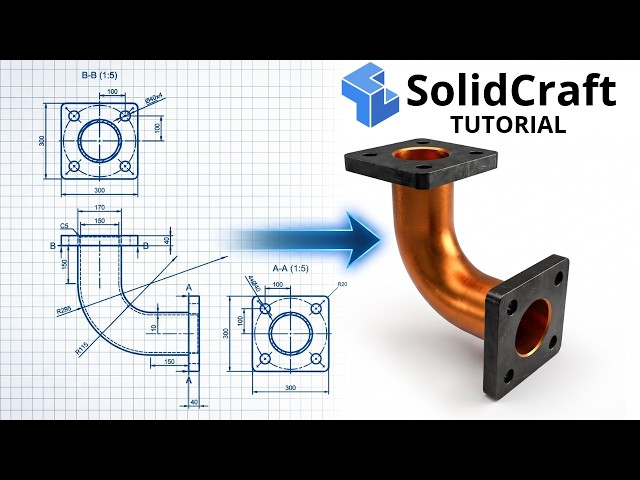
SolidCraft Tutorial for Beginners | How to Create a Pipe with Flange

2D Sketch : https://www.3dmechanism.com/post/3d-exercise-18 In this tutorial we'll use the features: Extrude: Pushes or pulls a ...

8:02
SolidCraft Tutorial for Beginners | How to Create a Pipe with Flange

1,080 views

22h ago

VIRTUCADD
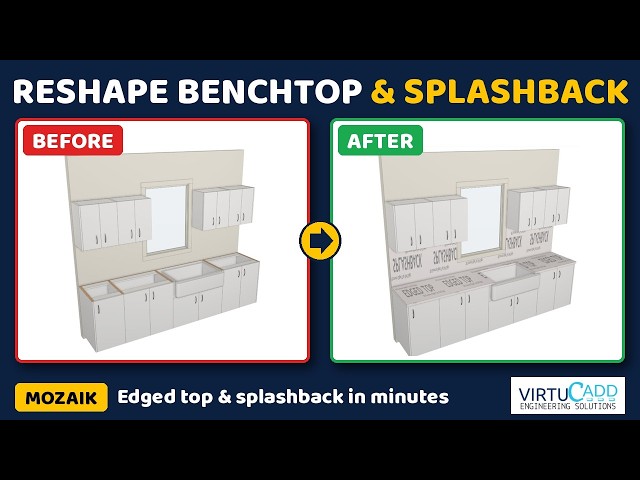
Reshape Benchtop & Splashback in Mozaik – Apron Sink Cut-out & Window (Shape Editor)

Need a benchtop that fits around an apron (farmhouse) sink, or a splashback that stops at the window? This Mozaik tutorial shows ...

9:08
Reshape Benchtop & Splashback in Mozaik – Apron Sink Cut-out & Window (Shape Editor)

7 views

10h ago

EngineeringLab Parsa
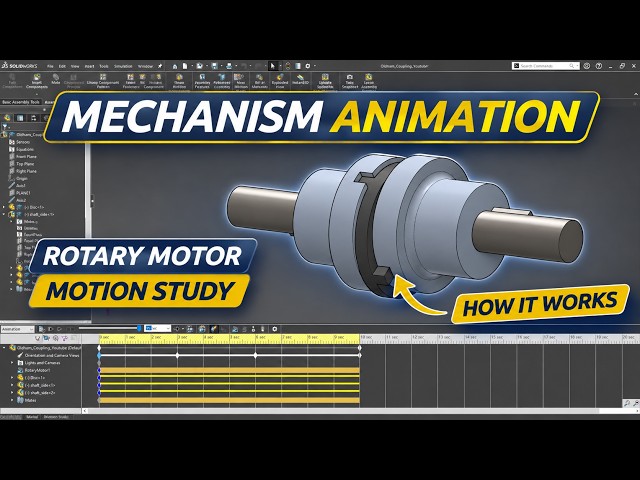
How an Oldham Coupling Works | SOLIDWORKS Motion Study & Animation Tutorial

Learn how to simulate and animate an **Oldham Coupling mechanism in SOLIDWORKS 2025** using Assembly Mates, Motion ...

7:18
How an Oldham Coupling Works | SOLIDWORKS Motion Study & Animation Tutorial

31 views

1d ago