ViewTube

ViewTube
Sign inSign upSubscriptions
Filters

Upload date

Type

Duration

Sort by

Features

Reset

699 results

PEARL DESIGN ACADEMY
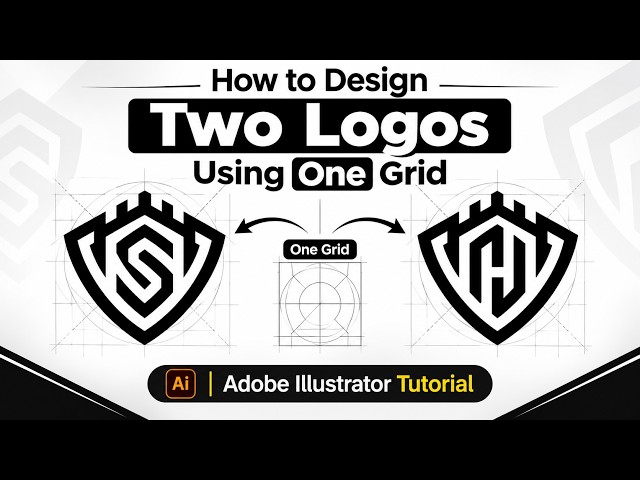
How to Design Two Logos Using ONE Grid | Adobe Illustrator Tutorial

Can you create two unique professional logos using just ONE grid system? In this tutorial, I'll show you how to design two ...

14:16
How to Design Two Logos Using ONE Grid | Adobe Illustrator Tutorial

65 views

4d ago

NSV Designer
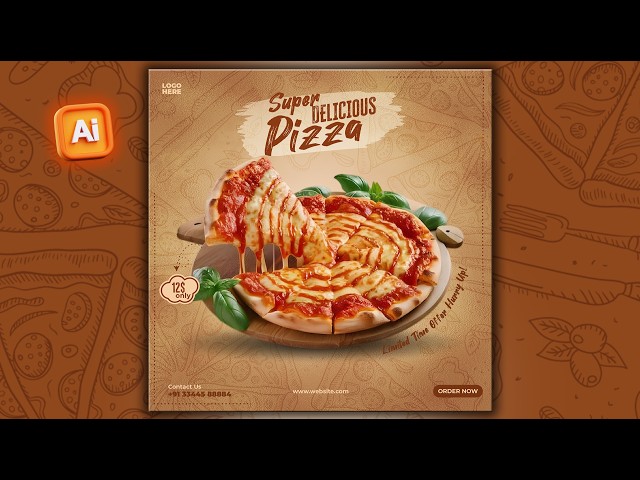
Illustrator CC Tutorial | Graphic Design | Modern Pizza Poster Design For Beginners Tutorial ⚡

Subscribe for Illustrator & Photoshop Tutorials☆ : https://www.youtube.com/c/NSVDesigner... / @nsvdesigner Illustrator CC ...

12:42
Illustrator CC Tutorial | Graphic Design | Modern Pizza Poster Design For Beginners Tutorial ⚡

440 views

5d ago

PEARL DESIGN ACADEMY
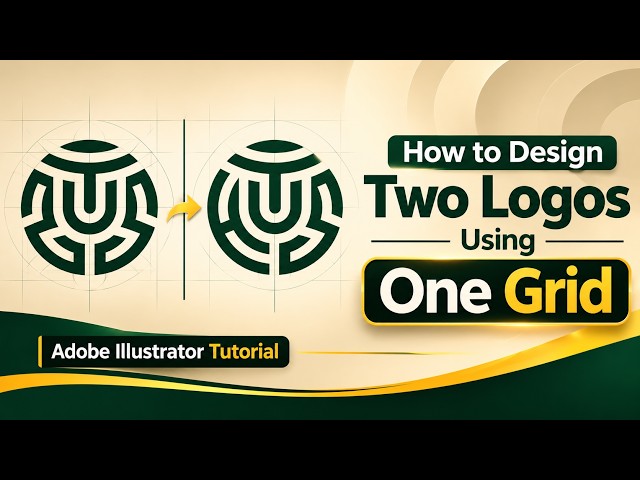
How to Design Two Different Logos Using One Grid | Adobe Illustrator Tutorial

In this tutorial, I'll demonstrate how two distinct logo designs can be developed using a single construction grid in Adobe Illustrator ...

14:52
How to Design Two Different Logos Using One Grid | Adobe Illustrator Tutorial

106 views

3d ago

Graphic Station
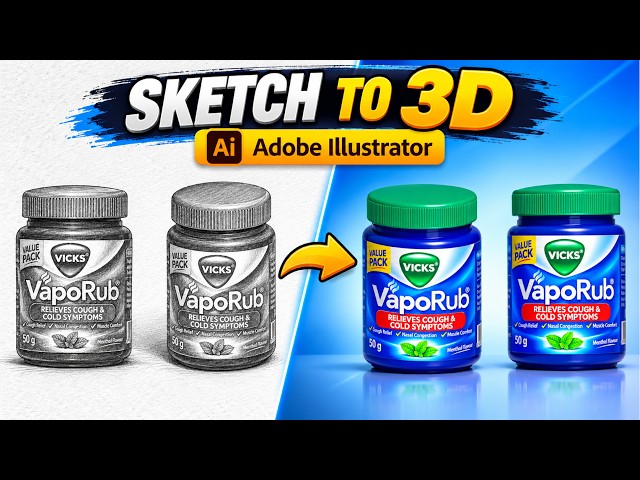
How to Turn a Sketch into a 3D Product Design in Adobe Illustrator | Vicks Vaporub

Learn how to transform a simple pencil sketch into a realistic 3D product design using Adobe Illustrator! In this step-by-step Adobe ...

18:17
How to Turn a Sketch into a 3D Product Design in Adobe Illustrator | Vicks Vaporub

396 views

1d ago

Vectorial
How to draw door Wreath vector in Adobe Illustrator

In this video, I will show you how to draw a Christmas door wreath vector in Adobe Illustrator. Don't forget to watch until the end of ...

4:18
How to draw door Wreath vector in Adobe Illustrator

183 views

4d ago

NSV Designer
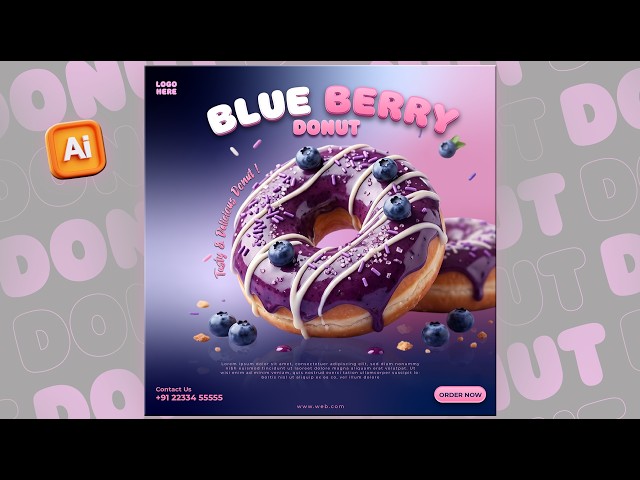
Illustrator CC Tutorial | Graphic Design | Modern Donut Social Media Poster For Beginners Tutorial ⚡

Subscribe for Illustrator & Photoshop Tutorials☆ : https://www.youtube.com/c/NSVDesigner... / @nsvdesigner Illustrator CC ...

14:26
Illustrator CC Tutorial | Graphic Design | Modern Donut Social Media Poster For Beginners Tutorial ⚡

225 views

4d ago

NSV Designer
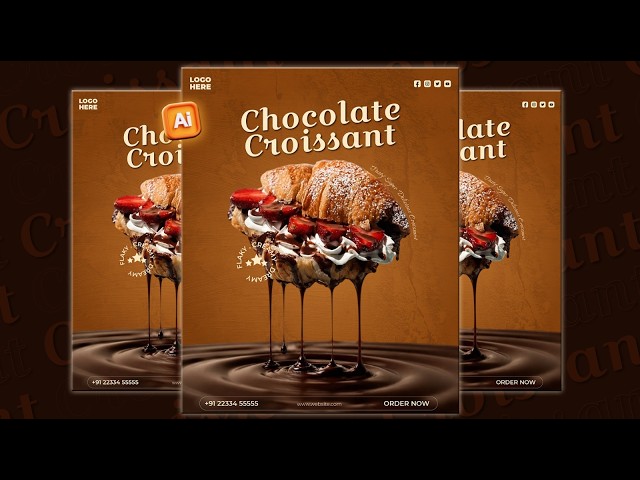
Illustrator CC Tutorial | Graphic Design |  Croissant Poster Design for beginners  Tutorial ⚡

Subscribe for Illustrator & Photoshop Tutorials☆ : https://www.youtube.com/c/NSVDesigner... / @nsvdesigner Illustrator CC ...

9:23
Illustrator CC Tutorial | Graphic Design | Croissant Poster Design for beginners Tutorial ⚡

196 views

6d ago

Mowha
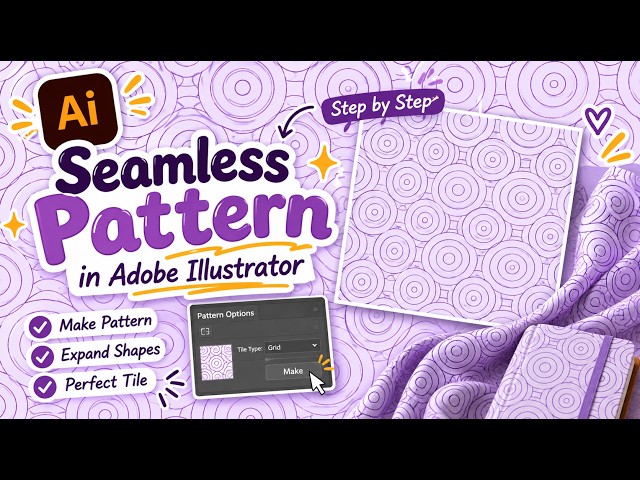
How to Create a Seamless Pattern in Adobe Illustrator (Easy Tutorial)

Want to learn how to create a seamless repeat pattern in Adobe Illustrator? In this step-by-step tutorial, I'll show you an easy ...

5:28
How to Create a Seamless Pattern in Adobe Illustrator (Easy Tutorial)

33 views

6d ago

Laura Coyle Illustrator
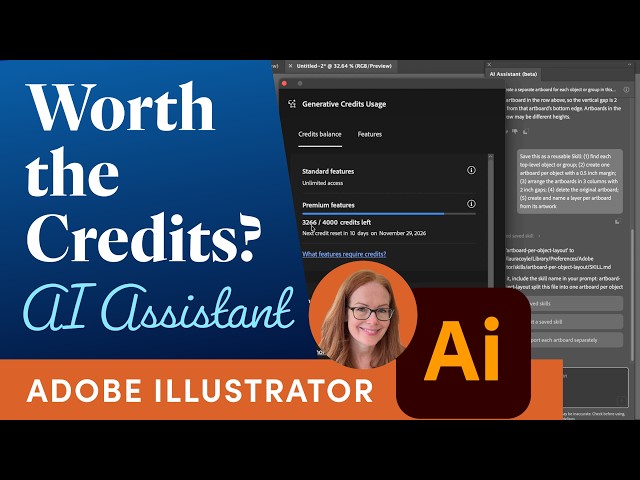
Illustrator 2027 AI Assistant: Save Reusable Skills (and What They Cost in Credits)

Saved skills are stored in your Illustrator preferences folder. On a Mac: your user Library → Preferences → Adobe Illustrator ...

9:00
Illustrator 2027 AI Assistant: Save Reusable Skills (and What They Cost in Credits)

496 views

1d ago

The Graphicity
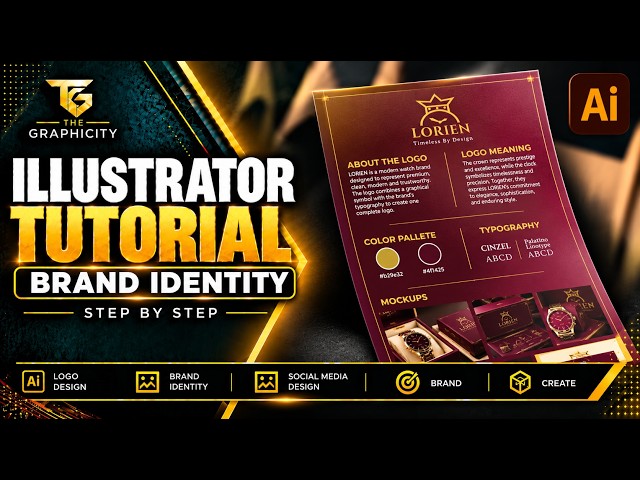
🔥I Turned My LORIEN Logo Into a Complete Brand Identity | Full Process | Adobe Illustrator Tutorial

In this video, I build the visual identity of LORIEN from the ground up, including the color palette, typography, realistic mockups, ...

11:00
🔥I Turned My LORIEN Logo Into a Complete Brand Identity | Full Process | Adobe Illustrator Tutorial

33 views

5d ago

Jong-Yoon Kim. Professor Kim
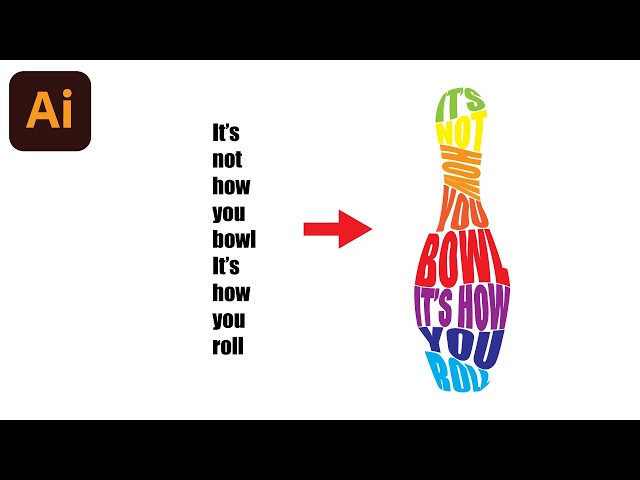
Calligram creation with Adobe Illustrator

In this tutorial, we will create a calligram typography with Adobe Illustrator. • Source file: ...

13:47
Calligram creation with Adobe Illustrator

88 views

1d ago

Vektorgarten – Illustrator Tutorials
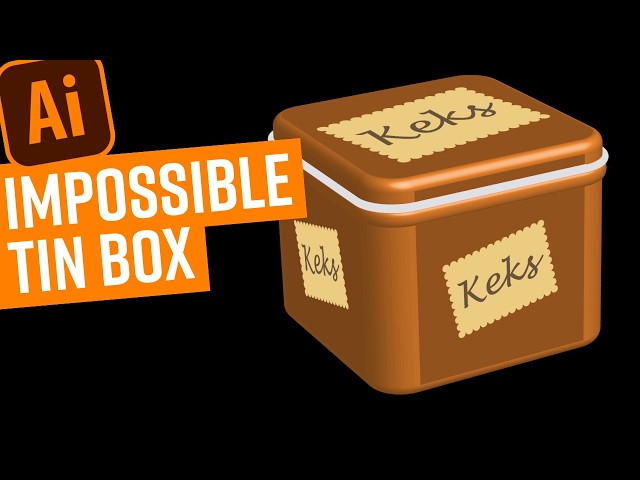
How To Design A Tin Box in Adobe Illustrator Out of Any Shape

Tin boxes with their typical rim can only be designed as a cylinder, right? If you know the secret move, you can make them in any ...

10:58
How To Design A Tin Box in Adobe Illustrator Out of Any Shape

293 views

5d ago

HoBich Studio
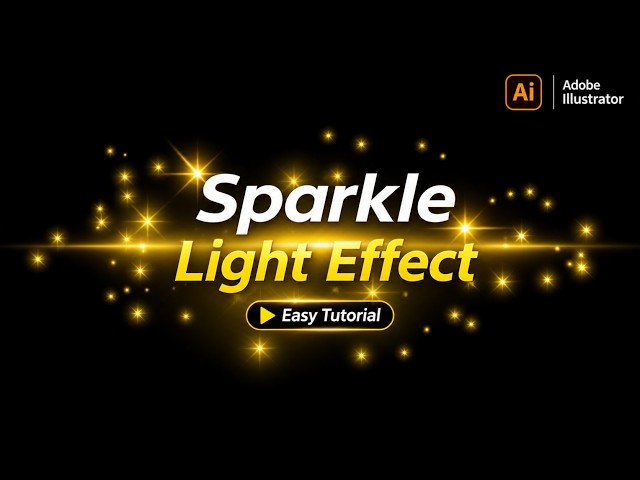
How to Create a Sparkle Light Effect in Adobe Illustrator | Golden Glow Effect

Learn how to create a stunning Sparkle Light Effect in Adobe Illustrator. In this tutorial, you'll learn how to create glowing golden ...

6:31
How to Create a Sparkle Light Effect in Adobe Illustrator | Golden Glow Effect

108 views

7d ago

PEARL DESIGN ACADEMY
How to Design a Professional Gaming Logo in Adobe Illustrator | Full Design Process

Learn how to design a professional gaming logo in Adobe Illustrator, from the initial concept to the final polished design.

15:01
How to Design a Professional Gaming Logo in Adobe Illustrator | Full Design Process

91 views

1d ago

Hamza Creative Studio
How to Scale & Prep Blueprint Vehicle Templates for Wrap Design | Illustrator Tutorial

Learn how to properly set up, scale, and prepare blueprint vector vehicle templates in Adobe Illustrator for accurate client ...

17:33
How to Scale & Prep Blueprint Vehicle Templates for Wrap Design | Illustrator Tutorial

362 views

6d ago

Jessica Becker
Adobe Illustrator Brush Tool Tutorial for Beginners | Step-by-Step

Learn how to use the **Brush Tool in Adobe Illustrator** with this beginner-friendly, step-by-step tutorial! Whether you're learning ...

6:12
Adobe Illustrator Brush Tool Tutorial for Beginners | Step-by-Step

3 views

5d ago

Tech Solution
How To make TYPO Text Logo Designs in Adobe Illustrator for Beginners

Welcome back to Tech Solution! In today's step-by-step Adobe Illustrator tutorial, we are diving into the world of typography logo ...

5:19
How To make TYPO Text Logo Designs in Adobe Illustrator for Beginners

88 views

4d ago

Graphic Hub
How to Create Custom 3D Typography in Adobe Illustrator — Step by Step

Learn how to create custom 3D typography in Adobe Illustrator, step by step. This tutorial builds bold 3D lettering with clean depth, ...

6:50
How to Create Custom 3D Typography in Adobe Illustrator — Step by Step

18 views

4d ago

Adobetrainer
Patterns combined with multiple fills in Adobe Illustrator

From start to finish, we explain how to create a pattern combined with a additional fill.

16:15
Patterns combined with multiple fills in Adobe Illustrator

17 views

7d ago

Gregory Paul
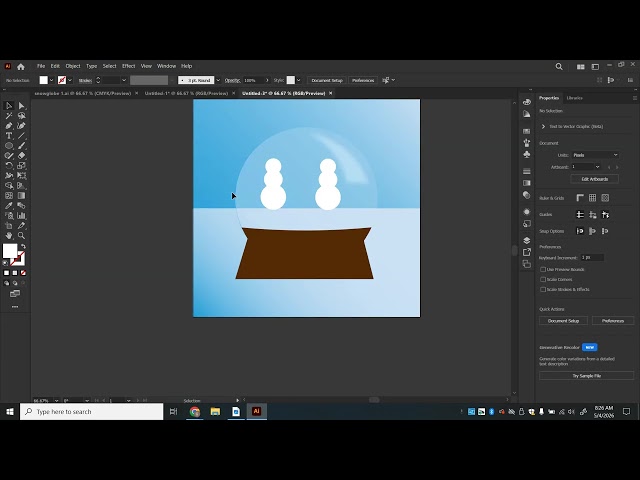
Create a Snow Globe in Illustrator ❄️
16:58
Create a Snow Globe in Illustrator ❄️

11 views

5d ago