ViewTube

ViewTube
Sign inSign upSubscriptions
Filters

Upload date

Type

Duration

Sort by

Features

Reset

170,665 results

CAD Intentions
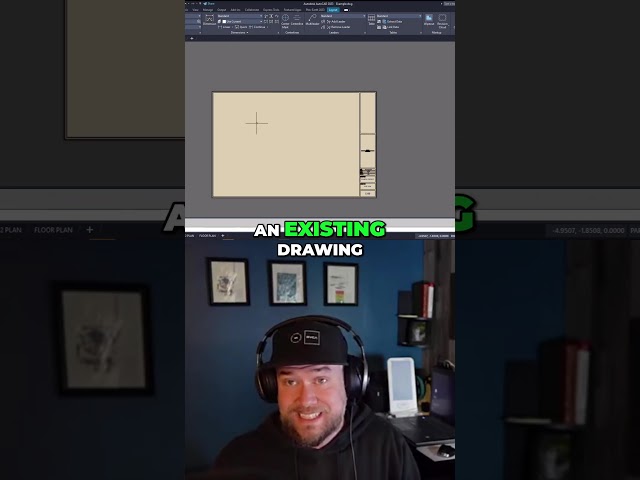
AutoCAD Import Title Blocks and Layouts in Seconds

AutoCAD Workflows Course: https://cadintentions.com/hurry Free CAD Tips Newsletter: http://cadintentions.com/signup ...

2:51
AutoCAD Import Title Blocks and Layouts in Seconds

741 views

11h ago

CAD Intentions
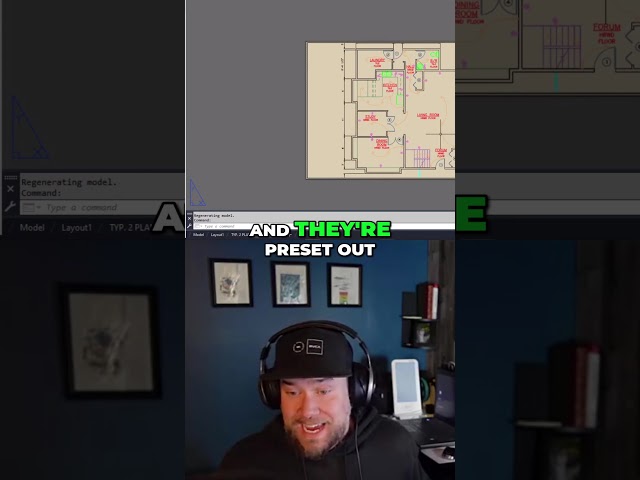
AutoCAD: Copy Layouts to Save Hours on Every Drawing

AutoCAD Workflows Course: https://cadintentions.com/hurry Free CAD Tips Newsletter: http://cadintentions.com/signup ...

1:34
AutoCAD: Copy Layouts to Save Hours on Every Drawing

358 views

1d ago

Tutorials Matrix
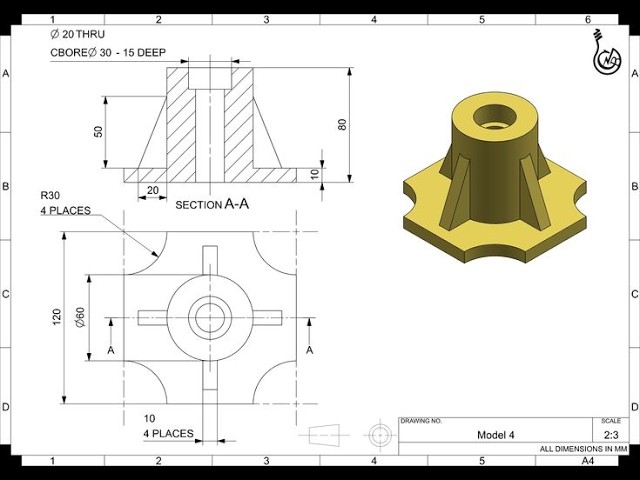
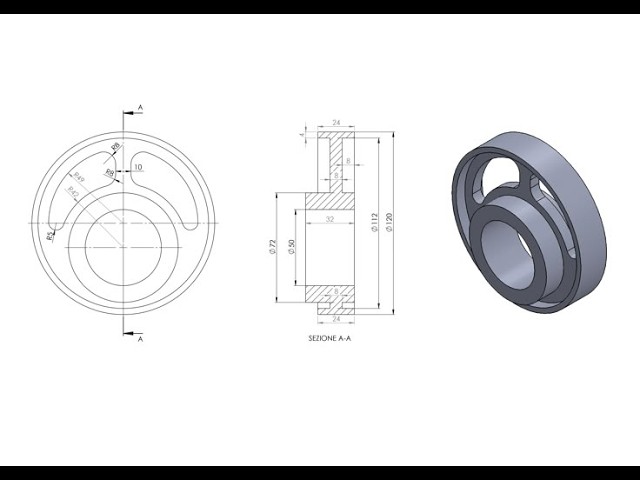
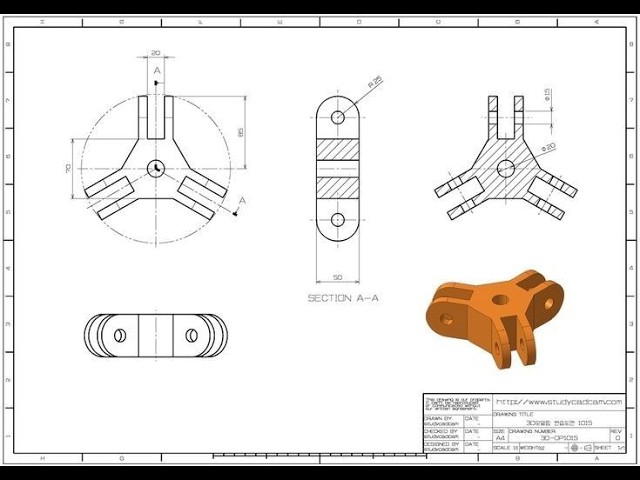
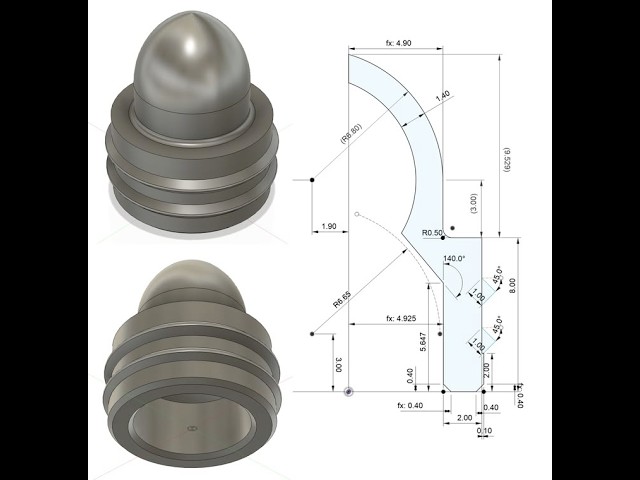
AutoCAD 3D Practice Tutorial | Step-by-Step Design for Beginners - 178 | Easy Method

Hello Friends,In this video, I demonstrate a step-by-step AutoCAD 3D design practice. This tutorial is helpful for beginners who ...

2:06
AutoCAD 3D Practice Tutorial | Step-by-Step Design for Beginners - 178 | Easy Method

130 views

4d ago

cad_studio
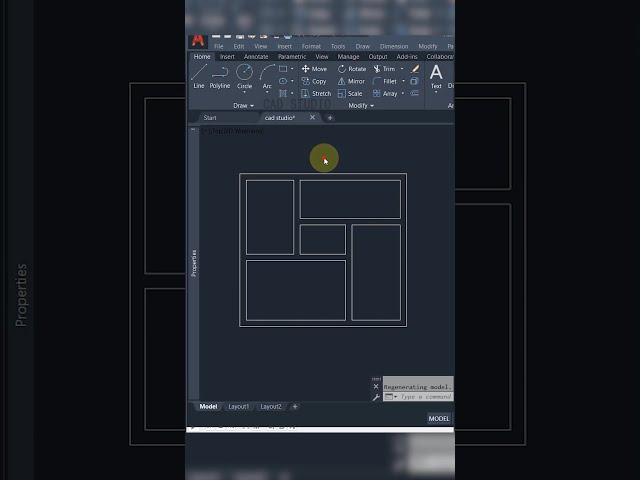
AutoCAD: How to Add Hatch Patterns (2025 Tutorial)   #autocad #autocadblocks #tutorial #design
0:18
AutoCAD: How to Add Hatch Patterns (2025 Tutorial) #autocad #autocadblocks #tutorial #design

1,641 views

2d ago

Tutorials Matrix
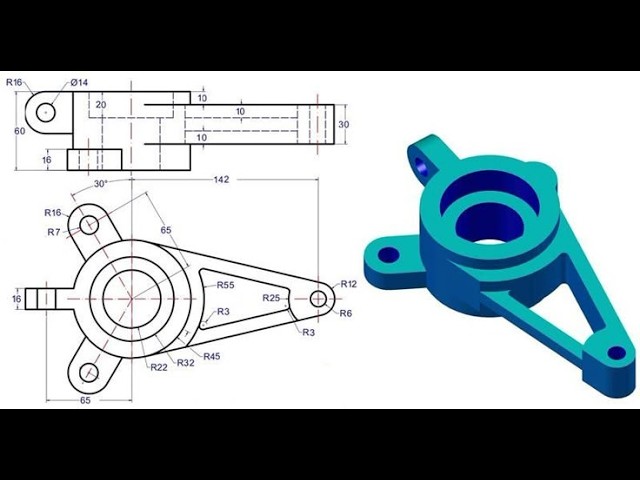
AutoCAD 3D Practice Tutorial | Step-by-Step Design for Beginners - 168 | Easy Method

Hello Friends,In this video, I demonstrate a step-by-step AutoCAD 3D design practice. This tutorial is helpful for beginners who ...

2:03
AutoCAD 3D Practice Tutorial | Step-by-Step Design for Beginners - 168 | Easy Method

92 views

2w ago

AK Creative Hermitage
The secret to fast corner modifications in AutoCAD #autocad #cad #tutorial

Learn how to use the AutoCAD chamfer command to create precise edges in your technical drawings. This tutorial simplifies the ...

0:26
The secret to fast corner modifications in AutoCAD #autocad #cad #tutorial

222 views

1d ago

Tutorials Matrix
AutoCAD 3D Practice Tutorial | Step-by-Step Design for Beginners - 169 | Easy Method

Hello Friends,In this video, I demonstrate a step-by-step AutoCAD 3D design practice. This tutorial is helpful for beginners who ...

3:40
AutoCAD 3D Practice Tutorial | Step-by-Step Design for Beginners - 169 | Easy Method

193 views

2w ago

CAD Master
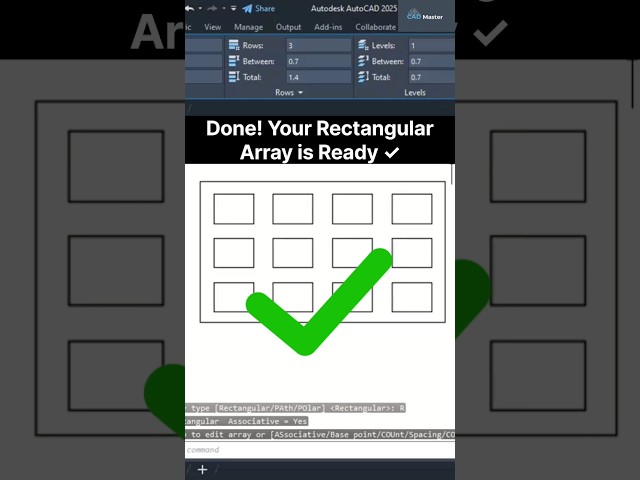
How to Use ARRAY Command in AutoCAD (Stop Copying Manually!) #shorts #autocad #cadmaster #learn

Stop wasting time copying and pasting shapes one by one in AutoCAD! In this quick 15-second tutorial, learn how to use the ...

0:16
How to Use ARRAY Command in AutoCAD (Stop Copying Manually!) #shorts #autocad #cadmaster #learn

1,376 views

2w ago

BUILD CAD
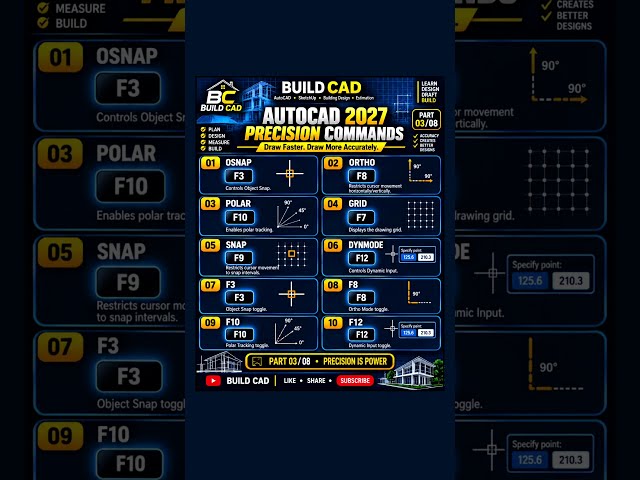
AutoCAD 2027 Precision Commands 🔥 | F3, F7, F8, F9, F10 & F12 Explained | Part 03/08

Welcome to **BUILD CAD!** 🏗️ Learn the most useful AutoCAD 2027 Precision Commands and improve your drafting speed ...

0:05
AutoCAD 2027 Precision Commands 🔥 | F3, F7, F8, F9, F10 & F12 Explained | Part 03/08

2,057 views

2w ago

CAD with Abuzar
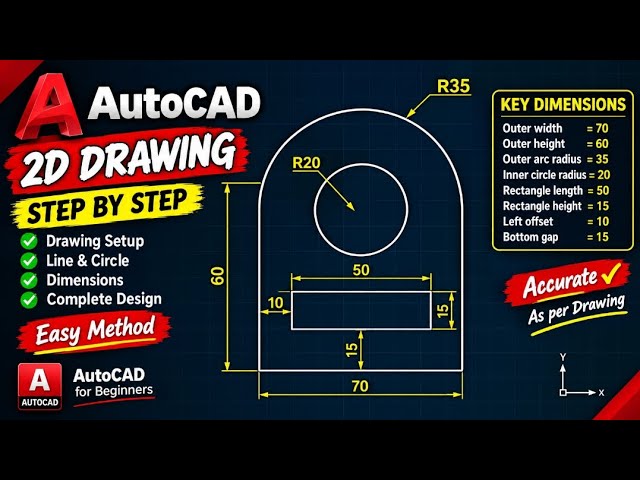
 AutoCAD 2D Drawing Tutorial for Beginners | R20 & R35 Radius

In this video, I will show you how to create a 2D drawing in AutoCAD step by step with accurate dimensions. Learn how to draw ...

2:45
AutoCAD 2D Drawing Tutorial for Beginners | R20 & R35 Radius

121 views

3w ago

Tutorials Matrix
AutoCAD 3D Practice Tutorial | Step-by-Step Design for Beginners - 171 | Easy Method

Hello Friends,In this video, I demonstrate a step-by-step AutoCAD 3D design practice. This tutorial is helpful for beginners who ...

2:08
AutoCAD 3D Practice Tutorial | Step-by-Step Design for Beginners - 171 | Easy Method

207 views

12d ago

Learn It Fast
How to Export SketchUp Elevations to AutoCAD (2026 Step-by-Step Beginner Tutorial)

Learn how to create elevations in SketchUp and export them to AutoCAD! In this 2026 step-by-step beginner tutorial, I'll show you ...

2:37
How to Export SketchUp Elevations to AutoCAD (2026 Step-by-Step Beginner Tutorial)

109 views

3w ago

Acad Knowledge Sharing Channel
Beginner AutoCAD drawing in under a minute #AutoCAD #Tutorial

Master the AutoCAD offset command to create parallel lines efficiently. This tutorial helps you speed up your 2D drafting workflow.

1:00
Beginner AutoCAD drawing in under a minute #AutoCAD #Tutorial

1,001 views

2w ago

Acad Knowledge Sharing Channel
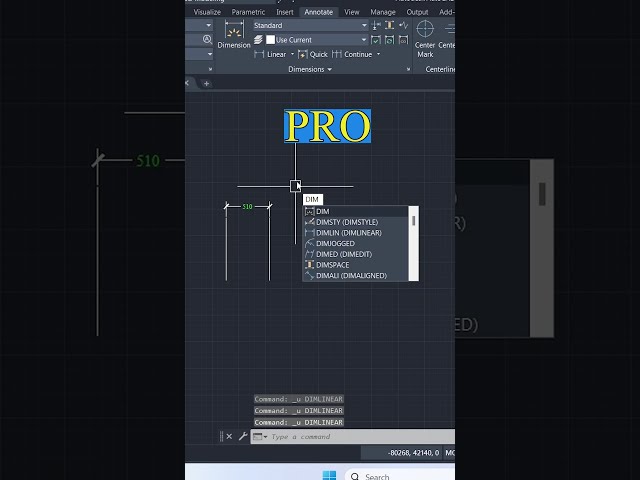
Master AutoCAD dimensions in seconds ⏱️ #AutoCAD #CADtips #Tutorial

Let's learn how to draw dimensions much faster using the AutoCAD DIMCONTINUE command! In this video, we show you how to ...

0:52
Master AutoCAD dimensions in seconds ⏱️ #AutoCAD #CADtips #Tutorial

262 views

4d ago

Tutorials Matrix
AutoCAD 3D Practice Tutorial | Step-by-Step Design for Beginners - 156 | Easy Method

Hello Friends,In this video, I demonstrate a step-by-step AutoCAD 3D design practice. This tutorial is helpful for beginners who ...

3:16
AutoCAD 3D Practice Tutorial | Step-by-Step Design for Beginners - 156 | Easy Method

154 views

4w ago

Spatial Relations
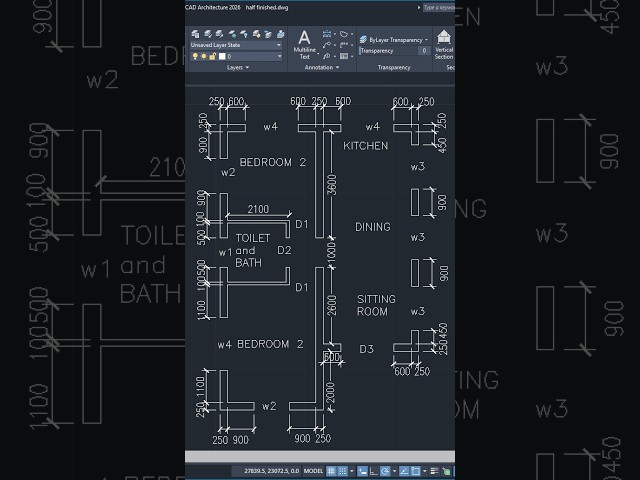
How to Draw a Floor Plan in AutoCAD (Step-by-Step Guide)

Learn how to draw a clean, accurate floor plan in AutoCAD from scratch in this step-by-step tutorial. Perfect for beginners and ...

0:55
How to Draw a Floor Plan in AutoCAD (Step-by-Step Guide)

898 views

3w ago

Imara Paints and Decor
AutoCAD 2027 for FREE! 😱 | Step-by-Step Guide

Want to install AutoCAD on your PC without spending money? In this short tutorial, I'll show you how to download and install ...

1:08
AutoCAD 2027 for FREE! 😱 | Step-by-Step Guide

3,990 views

11d ago

Drafting Made Simple
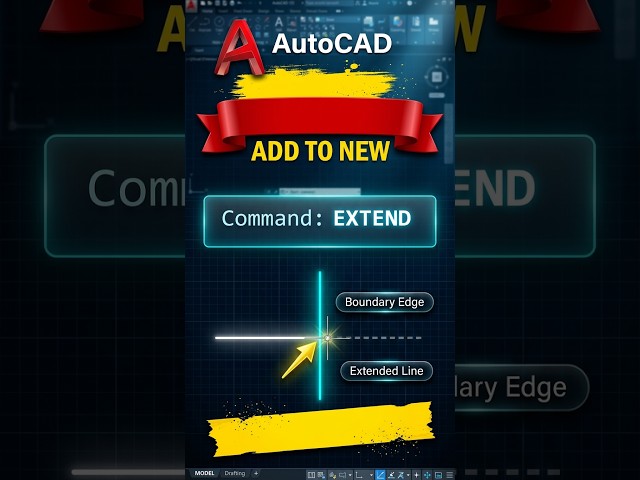
How to Use EXTEND in AutoCAD 2026 in 20 Seconds!

In this quick AutoCAD tutorial, you'll learn how to: - Type EXTEND and press Enter. - Select the boundary edge and press Enter.

0:19
How to Use EXTEND in AutoCAD 2026 in 20 Seconds!

188 views

4w ago

CAD Land - CAD Tutorials & 3D Modeling
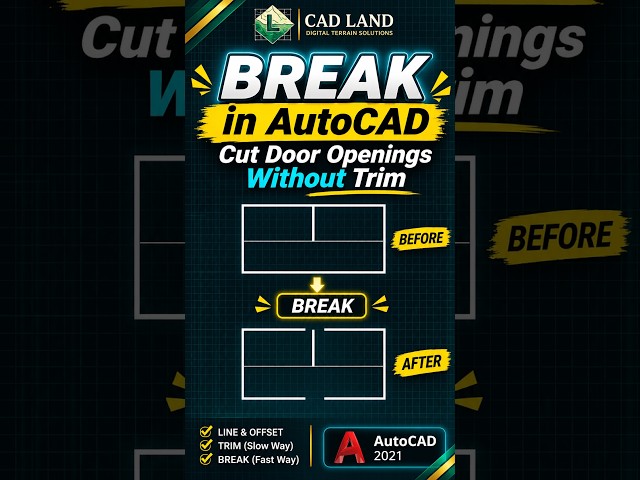
BREAK in AutoCAD — Cut Door Openings Without Trim

Line, offset, trim. That is a long way to open a door on a sketch. BREAK cuts the wall at two points. The gap is the door. In this ...

0:33
BREAK in AutoCAD — Cut Door Openings Without Trim

976 views

2w ago

AutoCAD EXpert and CADD Engineer
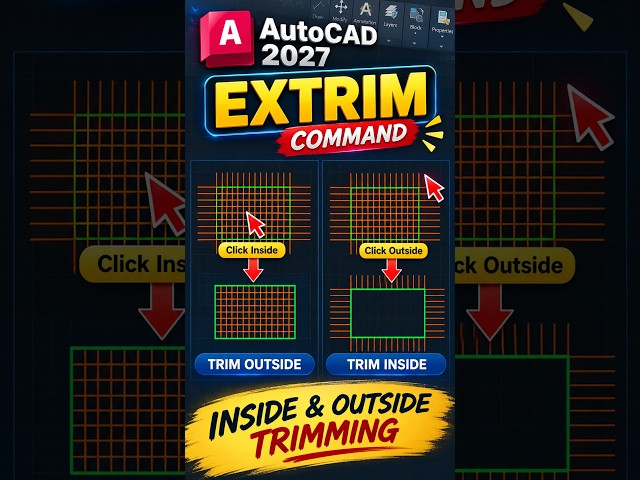
AutoCAD EXTRIM Command 🔥 Trim Inside & Outside in Seconds! #shorts #shosrtfeed #viralshorts

Learn how to use the EXTRIM command in AutoCAD 2027 to trim multiple lines quickly! In this AutoCAD Shorts tutorial, you'll ...

0:41
AutoCAD EXTRIM Command 🔥 Trim Inside & Outside in Seconds! #shorts #shosrtfeed #viralshorts

280 views

4w ago