Upload date
All time
Last hour
Today
This week
This month
This year
Type
All
Video
Channel
Playlist
Movie
Duration
Short (< 4 minutes)
Medium (4-20 minutes)
Long (> 20 minutes)
Sort by
Relevance
Rating
View count
Features
HD
Subtitles/CC
Creative Commons
3D
Live
4K
360°
VR180
HDR
28,408 results
Can the floor plan stand out when dimensions, plaster, and axis lines compete with the layout? In this AutoCAD 2021 example, ...
287 views
1d ago
Follow for More AutoCAD Tips! #AutoCAD #AutoCADTips #AutoCADTricks #FilletCommand #AutoCADTutorial #CADTips ...
524 views
4d ago
Multiple drawings. One organized sheet set. Learn how to create and manage sheet sets in AutoCAD. Watch the full tutorial on ...
31 views
6h ago
Follow Archt Steps for more AutoCAD tutorials. What should we make next? Comment below. #AutoCAD #AutoCADTutorial ...
429 views
AutoCAD Workflows Course: https://cadintentions.com/hurry Free CAD Tips Newsletter: http://cadintentions.com/signup ...
936 views
6d ago
Welcome to CADDesk Bandra – AutoCAD Tips & Tricks! This channel is dedicated to helping students, engineers, architects, ...
716 views
2d ago
2 views
3h ago
Stop accidentally moving or deleting your topo contours while editing dense Civil 3D and AutoCAD drawings! Type LAYLCK and ...
153 views
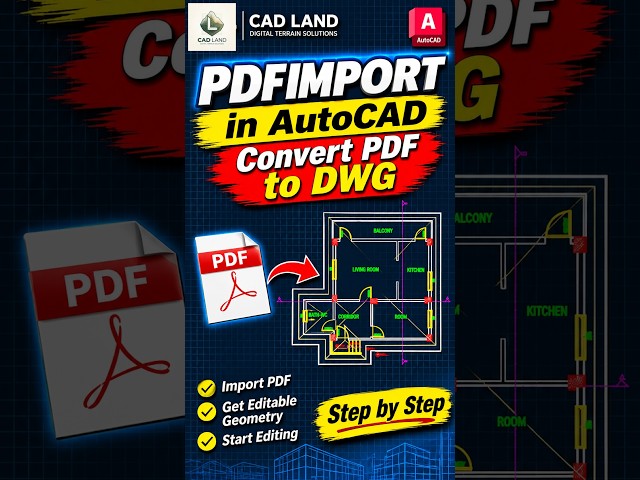
Convert a floor plan PDF to editable DWG geometry with PDFIMPORT in AutoCAD. This video shows an apartment plan moving ...
1,834 views
5d ago
Tired of clicking objects one by one in AutoCAD? In this quick CAD Master tutorial, learn how to use the Fence (F) selection ...
413 views
Learn AutoCAD isometric drafting step by step with this quick exercise. In this video you'll learn: • Isometric drafting • LINE ...
804 views
Follow for more AutoCAD 3D exercises. autocad, autocad 3d, autocad 3d modeling, autocad tutorial, autocad exercise, autocad ...
853 views
AutoCAD BYLAYER Command | Master AutoCAD Like a Pro! Want to control object properties easily in AutoCAD? Learn how to ...
88 views
Full video https://youtu.be/-EO0D78iIU4 Learn how to convert multiple lines into a single polyline using the Join command in ...
305 views
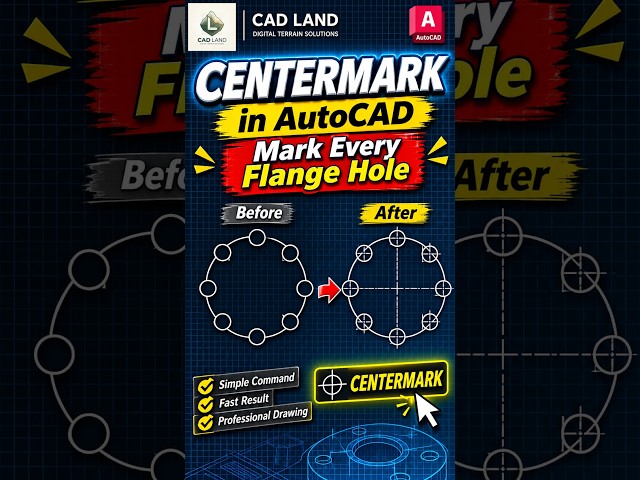
The circular flange starts with a clean bolt pattern of eight holes. In the first attempt, I build the plus-shaped center marks by hand, ...
Full video https://youtu.be/B8x9NRN4AF4 Need a circle that touches two objects perfectly? In this quick short, you'll learn ...
228 views
3 AutoCAD Commands You Should Know! ⚡ Speed up your architectural drafting workflow with these 3 powerful AutoCAD ...
280 views
Learn how to create a table in AutoCAD with this easy AutoCAD Table Command Tutorial! In this AutoCAD Tips & Tricks video, ...
237 views
3d ago
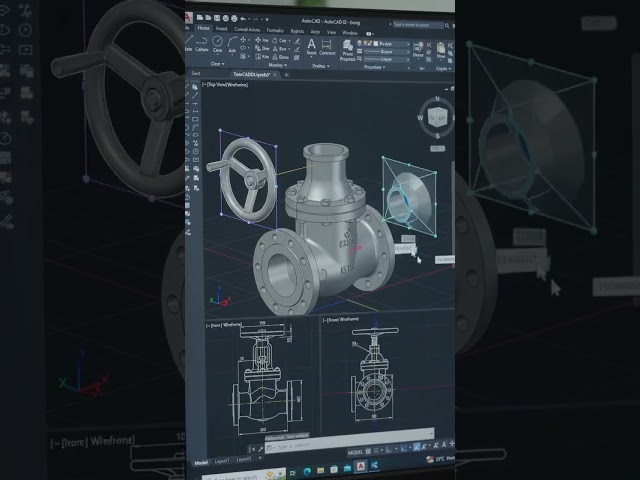
Autocad Valve Mechanism| #autocad | #mechanical | #valve | #solidworks | #gatevalve | #shorts | #yt.
778 views
Stop copying, rotating and positioning objects one by one! Use PATH ARRAY (ARRAYPATH) to automatically distribute objects ...
276 views