Upload date
All time
Last hour
Today
This week
This month
This year
Type
All
Video
Channel
Playlist
Movie
Duration
Short (< 4 minutes)
Medium (4-20 minutes)
Long (> 20 minutes)
Sort by
Relevance
Rating
View count
Features
HD
Subtitles/CC
Creative Commons
3D
Live
4K
360°
VR180
HDR
712,657 results
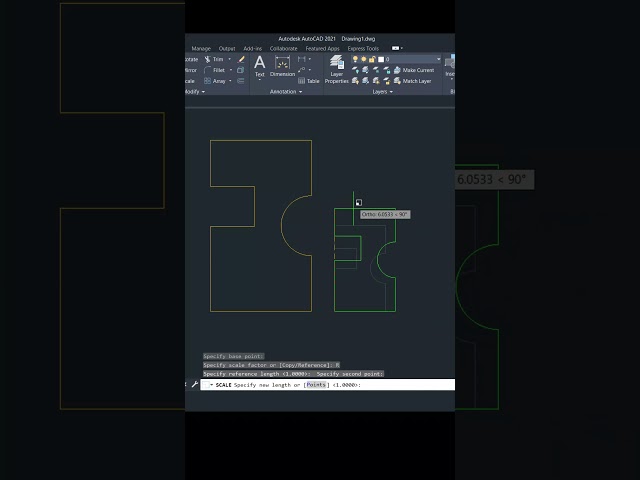
POINTS option in the reference option of scale command is demonstrated in this video. #autocad #scalecommand #sabeercad ...
20,908 views
6mo ago
Work smarter in AutoCAD! Discover useful AutoCAD tips and tricks to improve your drafting speed, workflow, and design skills.
1,679 views
2w ago
In this video, I demonstrate a step-by-step AutoCAD 3D design practice. This tutorial is helpful for beginners who want to improve ...
662 views
5mo ago
Learn how to use the spline tool in AutoCAD to create smooth curves and edit them with grips. Follow this simple step-by-step ...
1,130 views
8mo ago
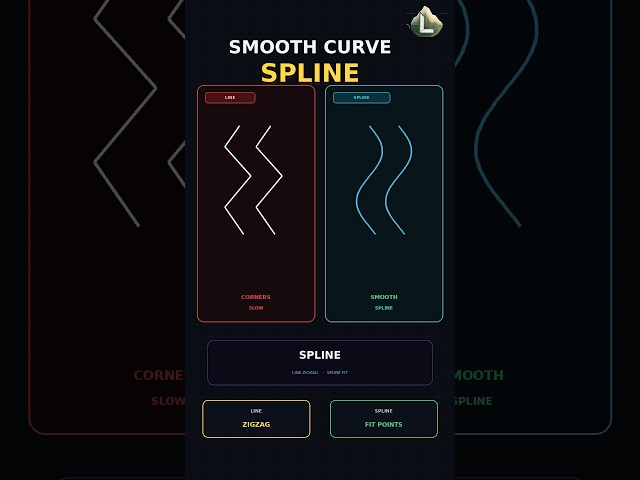
Drawing a river path with LINE just to get a bunch of corners in AutoCAD? SPLINE fits a smooth curve through the points. In this ...
2,565 views
1mo ago
Learn how to add dimensions in AutoCAD step by step using the Annotate tab and Dimension tool. Perfect for beginners who ...
6,842 views
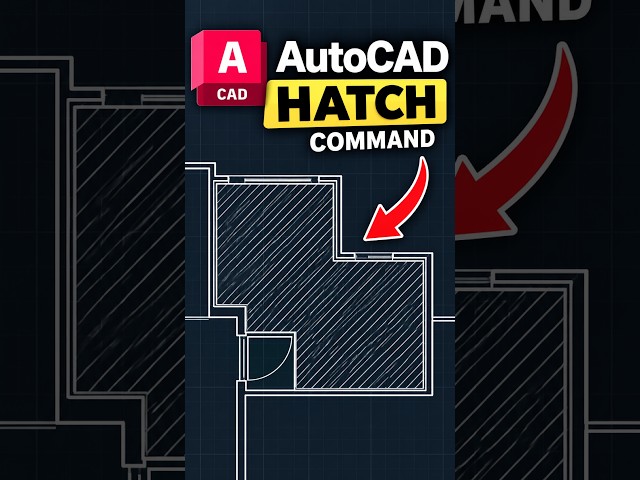
Learn how to use the HATCH command in AutoCAD quickly and easily. In this AutoCAD tutorial, you'll see how to add hatch ...
3,418 views
Learn how to change layer properties in AutoCAD, including color, linetype, lineweight, freeze, lock, and more. This quick tutorial ...
1,753 views
Use ChatGPT To Create Autolisp Code For AutoCAD (Step By Step) Unlock the power of ChatGPT for AutoCAD with this ...
1,615 views
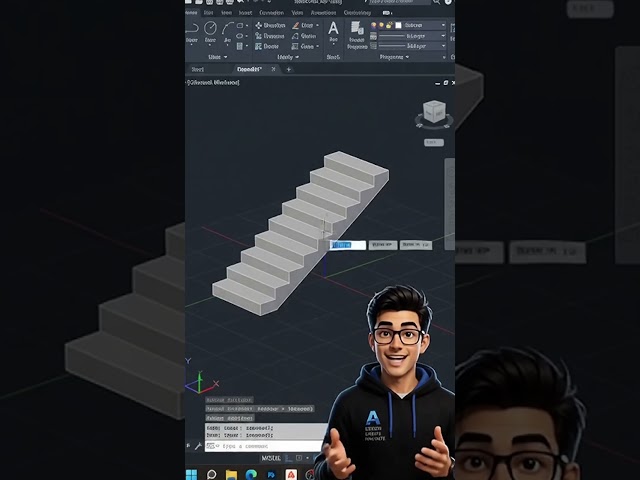
Learn how to create a 3D staircase in AutoCAD step by step! From the first step to the complete staircase, see how basic 3D ...
3,447 views
2mo ago
Learn how to edit blocks in AutoCAD step by step using the Block Editor. This guide shows how to update a block and ...
2,016 views
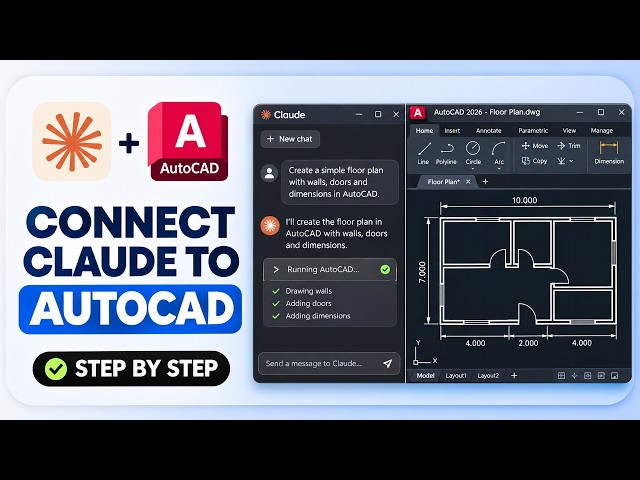
Want to connect Claude AI to AutoCAD and use AI to help create, inspect, and modify CAD drawings? In this video, I'll show you ...
3,140 views
5d ago
16,393 views
Learn how to create layers in AutoCAD with this simple step-by-step tutorial. Discover how to open Layer Properties Manager, ...
2,137 views
Comment “KITCHEN” if you want the next floor-plan tutorial! Learn CAD. Draft Smarter. #AutoCAD #FloorPlan #AutoCADTutorial ...
1,314 views
Learn how to use Quick Select in AutoCAD to select objects by type, property, operator, and value in just a few clicks. Perfect for ...
674 views
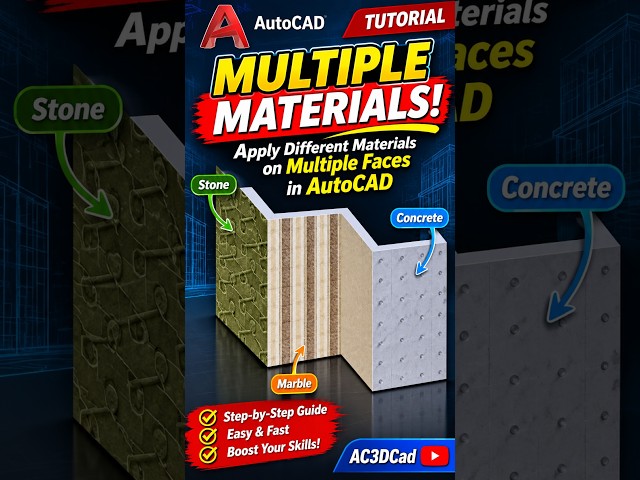
How to Apply Different Materials to Multiple Faces in AutoCAD 3D! Did you know you can apply different materials and textures to ...
300 views
4d ago
Welcome to Architecture Lab, your ultimate destination for all things architecture! On this channel, we explore the fascinating world ...
201,648 views
10mo ago
How To Draw Rectangle in AutoCAD (Full Guide) This video shows you a step by step guide on how to draw a rectangle in ...
2,329 views
Subscribe for more AutoCAD tips and tutorials! #AutoCAD #AutoCADTutorial #CADregion #AutoCAD2024 #CAD #Shorts.
838 views