Upload date
All time
Last hour
Today
This week
This month
This year
Type
All
Video
Channel
Playlist
Movie
Duration
Short (< 4 minutes)
Medium (4-20 minutes)
Long (> 20 minutes)
Sort by
Relevance
Rating
View count
Features
HD
Subtitles/CC
Creative Commons
3D
Live
4K
360°
VR180
HDR
24,597 results
Engineer @madebyjgwillis shows how he modeled and 3D printed his upgraded twist-snap design, created using ...
1,439 views
2d ago
Tube Notch Add-In: https://www.fdfraceshop.com/collections/josiah-products/products/tube-notch-for-autodesk-fusion-copy In this ...
5,872 views
1d ago
Hover over a dimension to see its name, like d15, then type that name into another dimension. Change the first one and the ...
311 views
17h ago
Welcome to Tensorvid — your hub for learning and inspiration. Learn real life skills in broad topic such as design, ai, modelling, ...
430 views
4d ago
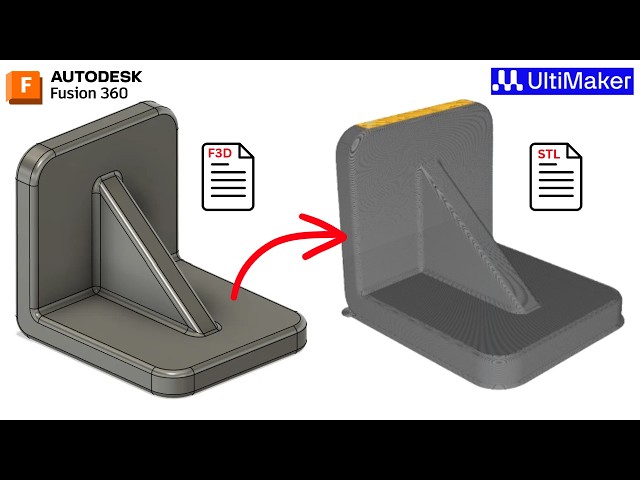
Fusion 360 STL export, how to export STL file in Fusion 360, Fusion 360 for beginners, Autodesk Fusion 360 tutorial, export 3D ...
71 views
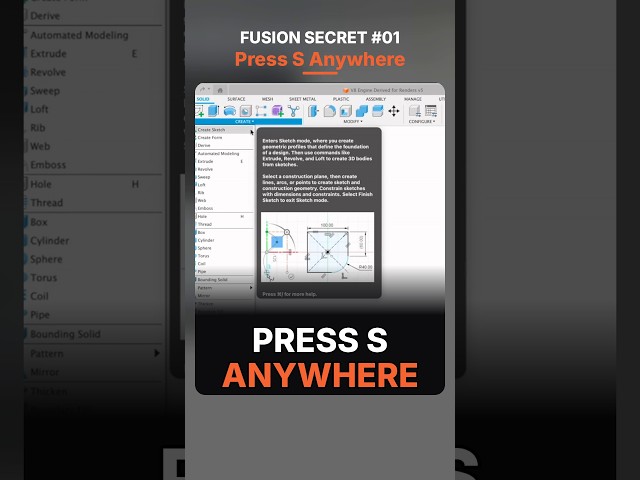
Press S anywhere in Autodesk Fusion and Design Shortcuts opens right at your cursor. Pin the tools you use most to it from the ...
545 views
6d ago
Support the channel on Patreon: https://www.patreon.com/vector3ddesign Boosty: https://boosty.to/vector3ddesign/donate ...
1,559 views
www.youtube.com/@jbdtube/join FUSION - Lesson 06 - Export Image, Import Reference, Resize, Design Push and Pull, Drawing, ...
186 views
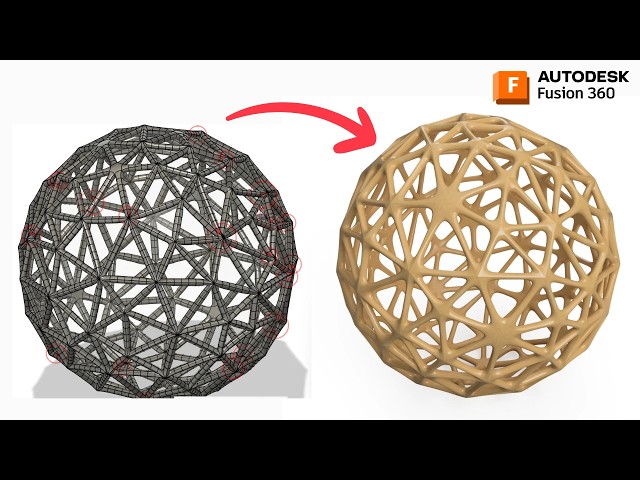
Want to create a Voronoi Sphere in Autodesk Fusion 360 but running into T-Spline errors? In this video, we explore the process of ...
54 views
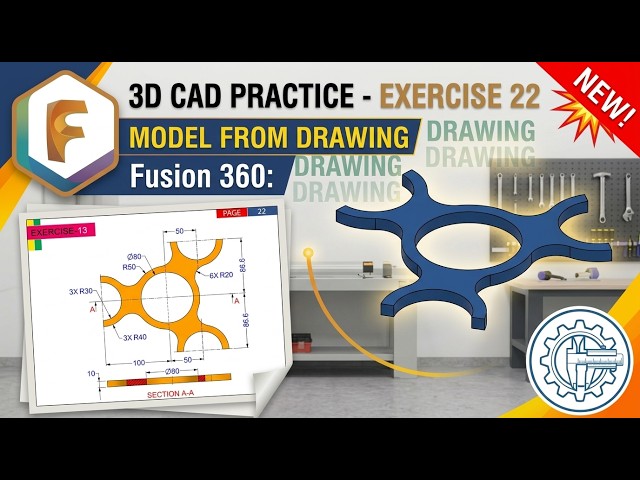
Welcome to Exercise 22 of our Fusion 360 3D Modeling tutorial series! In this tutorial, you will learn step-by-step how to convert a ...
11 views
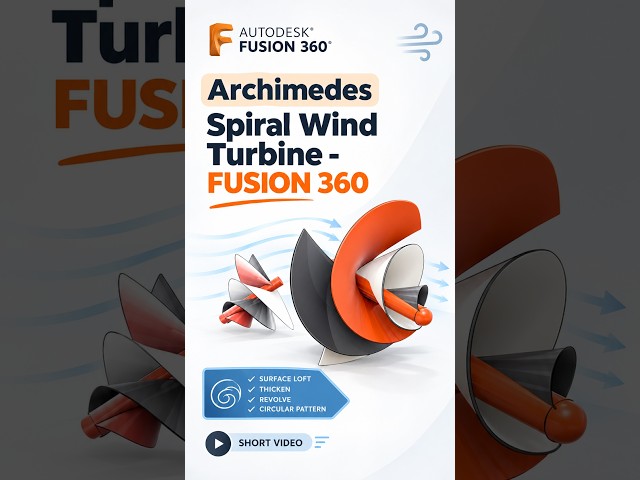
Design an Archimedes Spiral Wind Turbine in Fusion 360! Watch the Full Tutorial : https://youtu.be/vfy-T7bE3I0 Explore 3D ...
404 views
16h ago
3,080 views
Free tutorials, reference tools and the full Learn It! course library: https://www.learnitalready.com Not just a box. In this tutorial ...
3,312 views
Type a value and press Tab to jump straight to the next dimension. Change every size of a box in seconds, then press Enter once ...
747 views
A 4-bend tray planned for the press brake in Autodesk Fusion (Fusion 360) with the Sheet Metal & Press Brake add-in.
846 views
More control points don't make a better spline. Three points and their control rods trace the same shape, and they're far easier to ...
624 views
New to Fusion 360? You don't need to learn every tool to start creating your own 3D models and 3D prints.
5,305 views
In this video, you will learn how to extrude in Autodesk Fusion.
4 views
Autodesk Fusion's start window now asks for a Part, Assembly or Hybrid Design. The quick answer: Hybrid works exactly like ...
769 views
5d ago
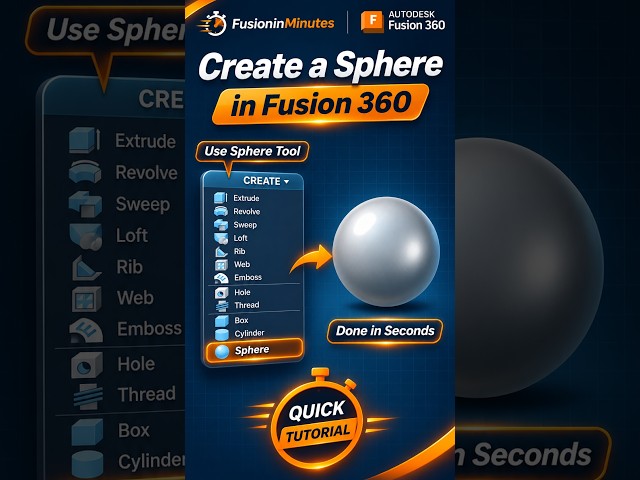
Create a perfect 3D sphere in Autodesk Fusion 360 in seconds! Learn how to use the built-in Sphere tool to create a sphere ...
655 views
4h ago