Upload date
All time
Last hour
Today
This week
This month
This year
Type
All
Video
Channel
Playlist
Movie
Duration
Short (< 4 minutes)
Medium (4-20 minutes)
Long (> 20 minutes)
Sort by
Relevance
Rating
View count
Features
HD
Subtitles/CC
Creative Commons
3D
Live
4K
360°
VR180
HDR
24 results
How To Fill A Vector In Figma (Easily) In this video, we dive deep into the process of filling a vector in Figma, a powerful design ...
0 views
17 min ago
How we use AI agents in Figma to build sections and pages in the locked style. Full AI design workflow video: ...
1h ago
FREE Resource: Put AI to work on your next project. In our Web Designer's Guide to AI, we show you which tools make sense at ...
1,497,508 views
1y ago
Figma is free to use. Sign up here: https://bit.ly/3msp0OV By definition, a variable is something that can vary in value or take on ...
883,056 views
3y ago
Animation in Figma - Figma Tutorial For Beginners In this video I have shown you how to create juice animation with hover effect ...
688,034 views
2y ago
My Ultimate Figma Design Masterclass (3000+ students. 90+ Videos. 10+ hours) ...
1,077,377 views
4y ago
If you found this helpful, subscribe for more UI/UX, Figma tutorials, and product design breakdowns.
16,301 views
8mo ago
Check out Mobbin for free here: https://www.mobbin.com/?via=arash In this video, I'm going to show you how to use Figma ...
414,217 views
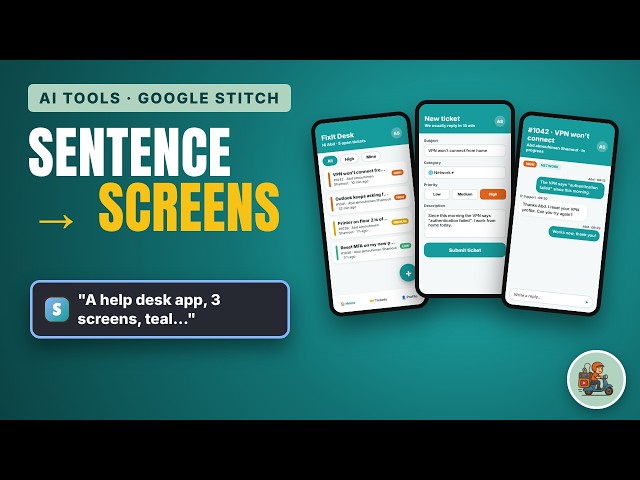
Google Stitch tutorial: design a whole mobile app UI from one sentence, then edit it, export it to Figma, and turn it into a real Next.js ...
35 min ago
Анонс Figma 19.11.2026: агент в Dev Mode помогает изучать дизайн, сравнивать версии, получать snippets и ссылки для ...
5 views
51 min ago
Stop alt-tabbing between agents. I built a Figma-style canvas where Claude Code, Codex and Gemini CLI all run side by side, ...
12 min ago
Обновление Figma 18.11.2026: Make image/Edit image, 2/4/6 вариантов от одной модели либо до трёх моделей по одному ...
10 views
48 min ago
Grids are the hidden structure behind clean, balanced UI designs. In this episode of the Design Principles series, you'll learn what ...
49 min ago
Alignment is what makes a design feel clean and professional instead of messy. In this episode of the Design Principles series, ...
44 min ago
Contrast is one of the most powerful tools in UI design. In this episode of the Design Principles series, you'll learn how to use ...
Every great interface starts with a solid layout. In this episode of the Design Principles series, you'll learn what layout means in UI ...
What is design, really? It's not just making things look good. In this first episode of the Design Principles series, we break down ...
What is UI design? In this episode of the Design Principles series, we explain user interface design: the visual layer people see ...
Visual hierarchy decides what people notice first, second and last on a screen. In this episode of the Design Principles series, ...
1 view
Elements that are close together look like they belong together. That's the proximity principle, one of the most useful Gestalt ...