Upload date
All time
Last hour
Today
This week
This month
This year
Type
All
Video
Channel
Playlist
Movie
Duration
Short (< 4 minutes)
Medium (4-20 minutes)
Long (> 20 minutes)
Sort by
Relevance
Rating
View count
Features
HD
Subtitles/CC
Creative Commons
3D
Live
4K
360°
VR180
HDR
48,130 results
Summarizing thousands of rows of sales data with formulas or by hand takes forever, and one small change means starting over.
3,778 views
6d ago
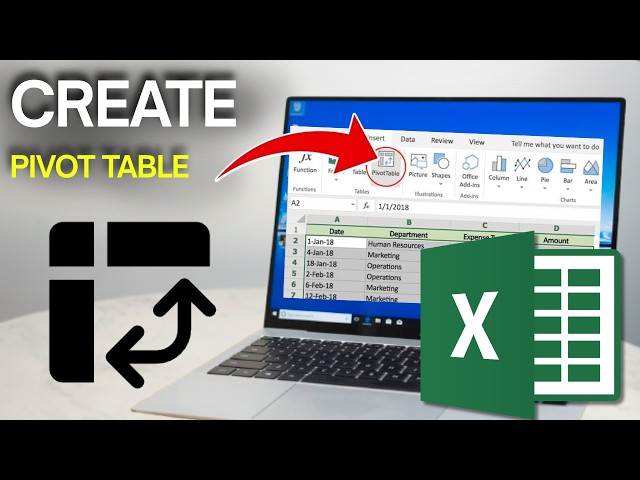
Learn how to create a Pivot Table in Excel with this easy Excel Pivot Table beginner guide. Follow this step-by-step tutorial to ...
4 views
10h ago
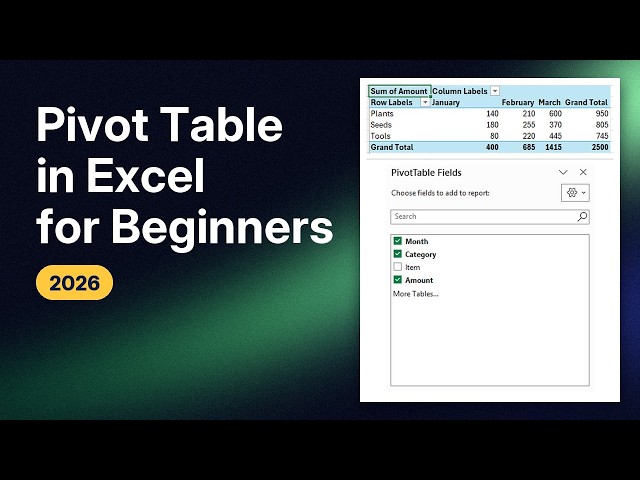
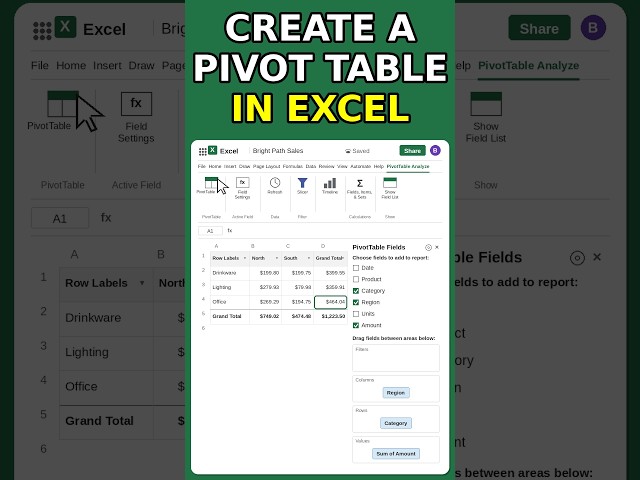
In this tutorial, I show you how to make a pivot table in Excel: turn a list of sales into totals per category and month, in a few clicks.
6h ago
Excel pivot table for beginners, step by step and without panic: summarize a whole year of spending by dragging and dropping ...
1 view
1d ago
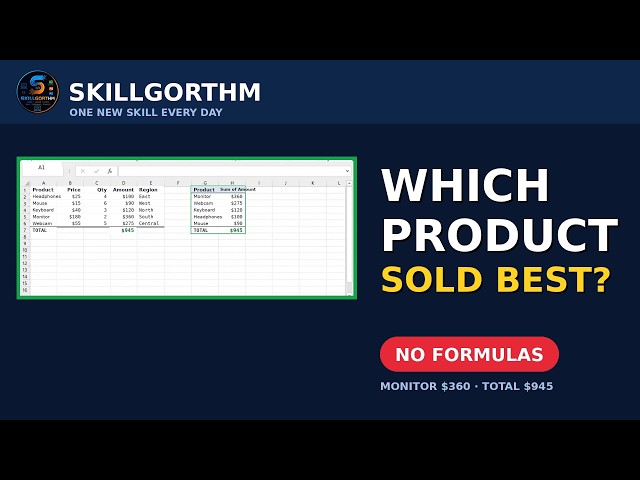
Pivot Table in Excel — turn 1000 rows of sales data into a finished report in about a minute, with zero formulas. No more adding ...
5 views
The scariest name in Excel builds itself: drag two words into two boxes and the whole summary appears. Watch the full lesson: ...
23 views
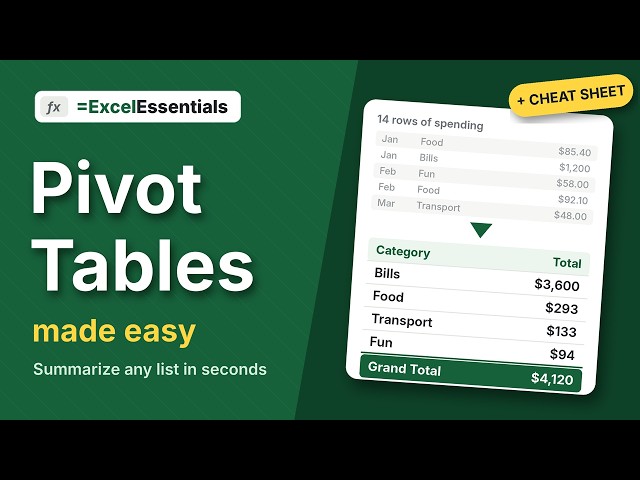
Learn Excel pivot tables from scratch in about 5 minutes. We take a simple list of spending and turn it into a clean summary: totals ...
Full step-by-step Pivot Tables tutorial: https://youtu.be/72p0owid48g Turn thousands of rows into a pro report in minutes with Pivot ...
332 views
4d ago
Learn Excel Pivot Tables from scratch in this full beginner tutorial. Turn 1000 rows of raw sales data into a clean, interactive report ...
29. Excel Pivot Table in MS Excel | How to Create Pivot Tables & Analyze Data Easily** Welcome to another lesson of our ...
53 views
21h ago
Still adding up sales totals with a calculator? Three steps, zero formulas, and Excel does the whole summary for you. Free Excel ...
121 views
Watch the full step-by-step PivotTable tutorial: Pivot Table Tutorial for Beginners: How to Create a Pivot Table in Excel (and Keep ...
434 views
A long sales list hides the answers — which service earns the most, and where. This step-by-step tutorial shows you exactly how ...
3 views
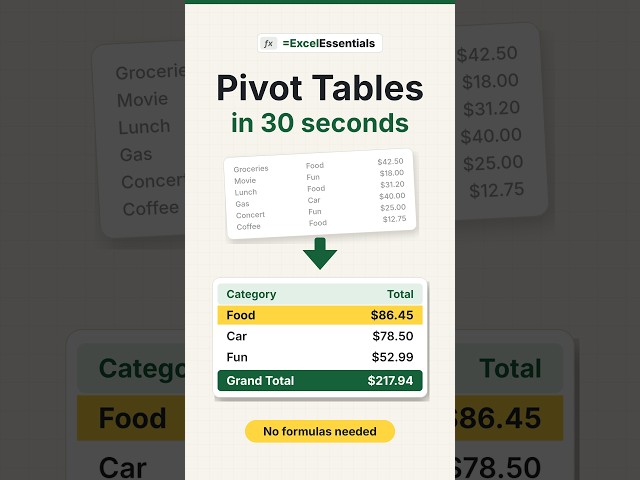
Create a pivot table in Excel in 30 seconds — fast, easy, and your data sums itself up. Here's how: click inside your data, go to ...
50 views
Excel Pivot Table Tutorial for Garments Production | Floor, Line & Buyer Report Are you working in the Garments Industry (RMG) ...
85 views
7d ago
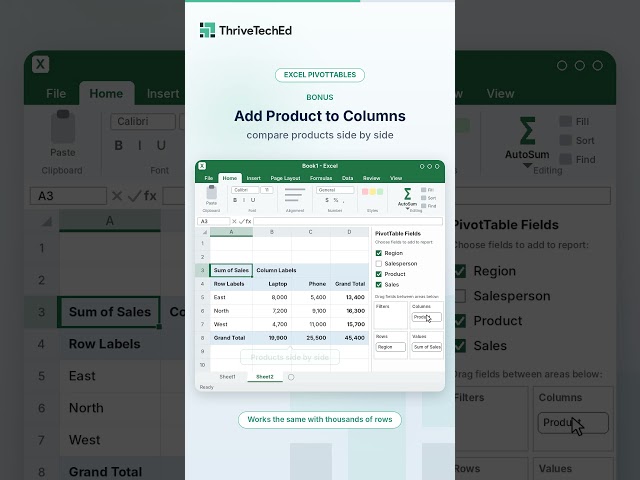
How to create a pivot table in Excel in 60 seconds: 3 easy steps for beginners. Learn more: thriveteched.com Want to summarize a ...
232 views
5d ago
Pivot Table in Excel | Analyze Data Like a Pro Learn how to use Pivot Tables in Microsoft Excel to summarize, organize, and ...
26 views
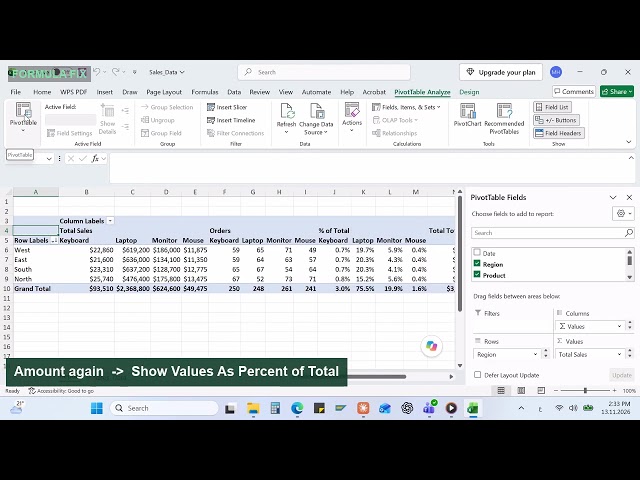
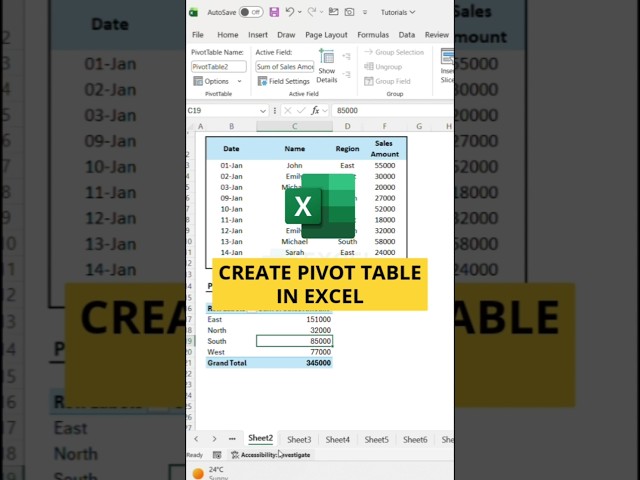
In this video, I'll show you how to create a region-wise sales summary using a Pivot Table in Excel. First, go to Insert and click ...
617 views
2d ago
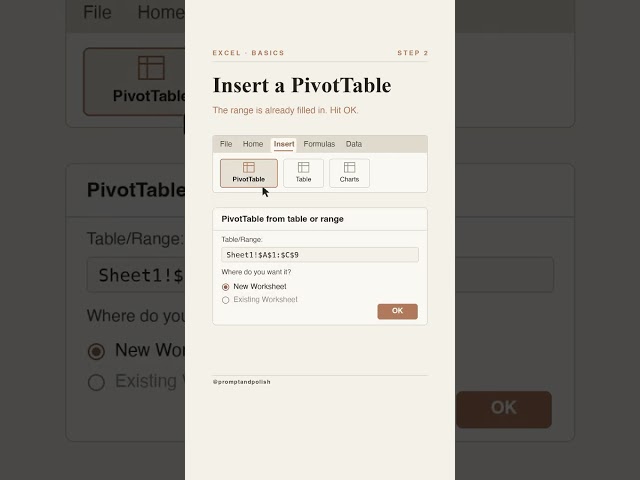
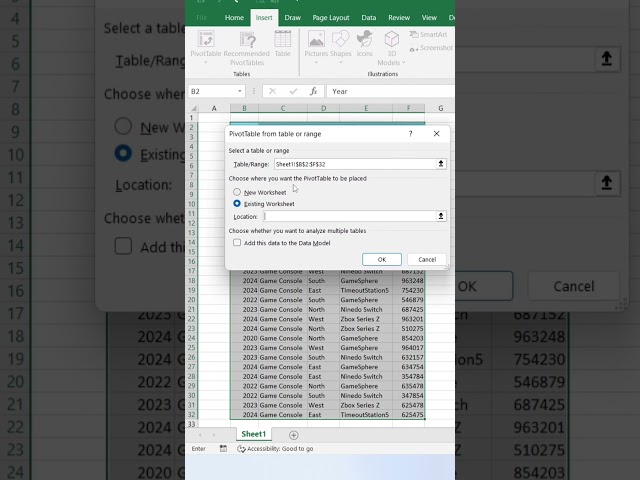
Turn rows of data into a clean summary with a few drags. No formulas needed. 3 steps: click your data, Insert - PivotTable, drag ...
336 views
3d ago
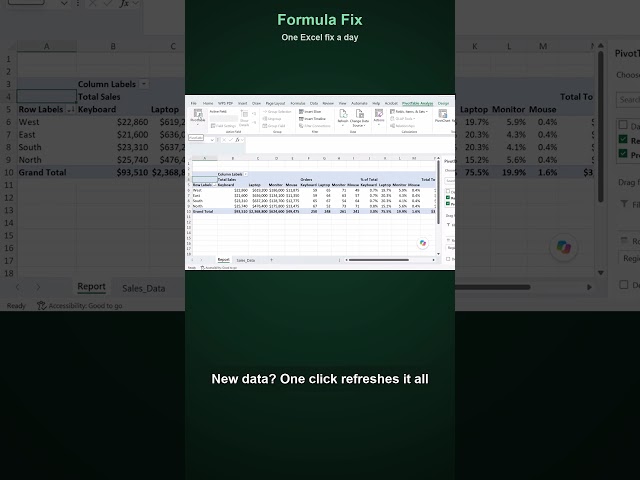
Right-click the pivot table → Refresh. Want the full step-by-step? Watch "Excel Pivot Tables for Beginners" on my channel.
90 views