Upload date
All time
Last hour
Today
This week
This month
This year
Type
All
Video
Channel
Playlist
Movie
Duration
Short (< 4 minutes)
Medium (4-20 minutes)
Long (> 20 minutes)
Sort by
Relevance
Rating
View count
Features
HD
Subtitles/CC
Creative Commons
3D
Live
4K
360°
VR180
HDR
146 results
Need to remove the background from an image fast? You don't need Photoshop or paid tools! In this quick tutorial, learn how to ...
0 views
12 min ago
Do NOT install the latest Windows preview update before watching this! I enrolled in the Windows Insider Program to test out the ...
1,223 views
35 min ago
Open it to see over 200 Windows settings in one list. Full guide: https://techygeekshome.info/god-mode-for-windows/ #windows11 ...
43 min ago
This channel aims to provide educational videos and explanations in the fields of information technology and artificial ...
36 views
32 min ago
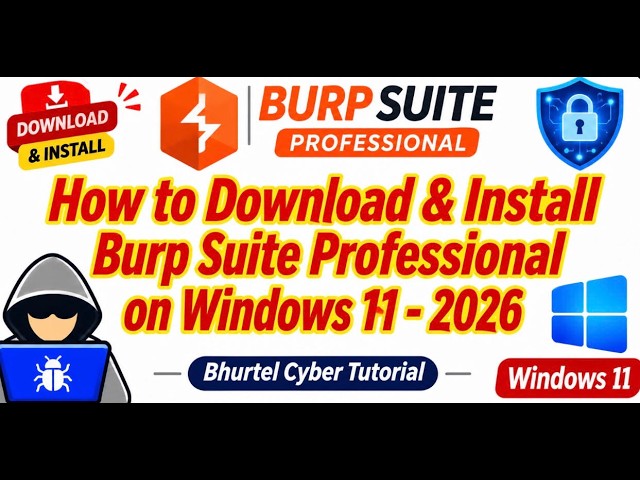
BurpSuite #BurpSuiteProfessional #Windows11 #CyberSecurity #Shorts In this video, I have shown a short preview of how to ...
3 views
24 min ago
burpsuite #BurpSuiteProfessional #windows11 #cybersecurity #ethicalhacking In this video, I have shown how to download and ...
2 views
51 min ago
Learn how to update LibreWolf on Windows using LibreWolf WinUpdater! In this tutorial, I'll show you how to check for updates ...
1 min ago
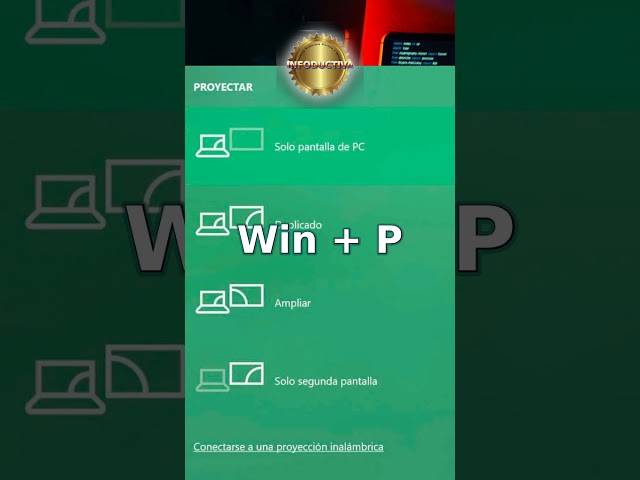
Connect your laptop to a monitor or projector and don't know how to switch screens? In this video, I'll show you how to use ...
6 views
#windows11 #techtips #keyboardshortcuts #screenshot #windowstricks #productivity #viralvision #ezlearnglobal.
1 view
39 min ago
Exécuter avec Windows + R, puis saisis : diskmgmt.msc ÉTAPE 2 — Lancer Diskpart ouvre PowerShell en administrateur.
7 views
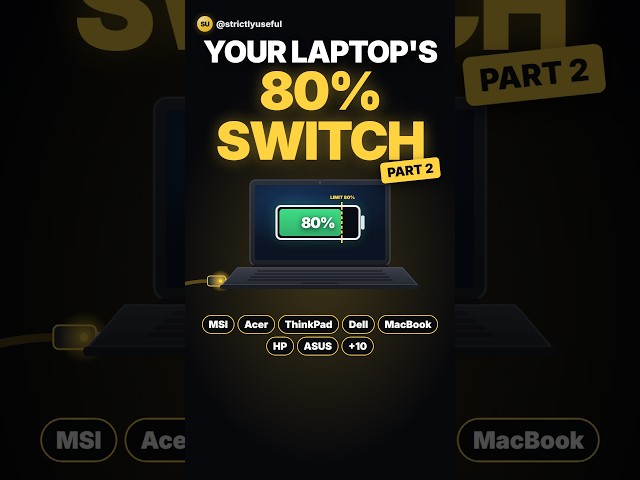
You asked where the battery-saving switch is on YOUR laptop. Here are the brands you asked for most • MSI: MSI Center ...
7 min ago
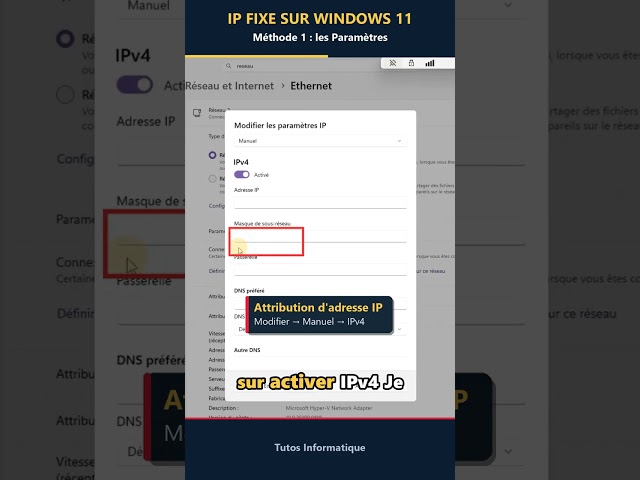
Set a static IP address on Windows 11 in just a few clicks: Settings → Network → Ethernet → IP address assignment → Manual ...
How to Jump Forward or Backward in VLC Media Player [Tutorial] In this tutorial, viewers will learn how to quickly jump forward or ...
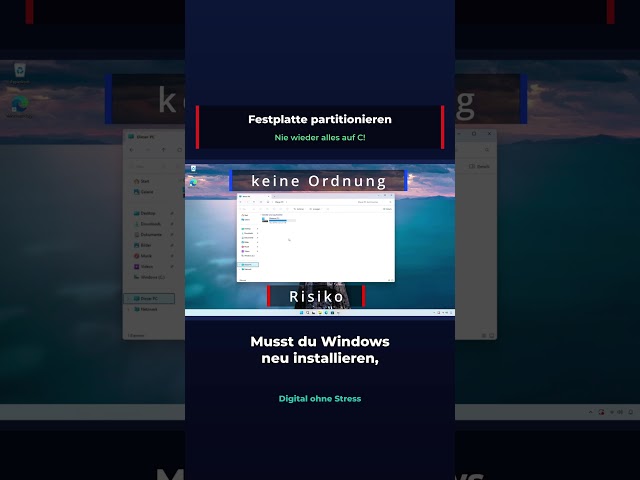
Is everything on drive C? Then it's a mess – and without a backup, your data will be lost during a reinstall. A second ...
23 min ago
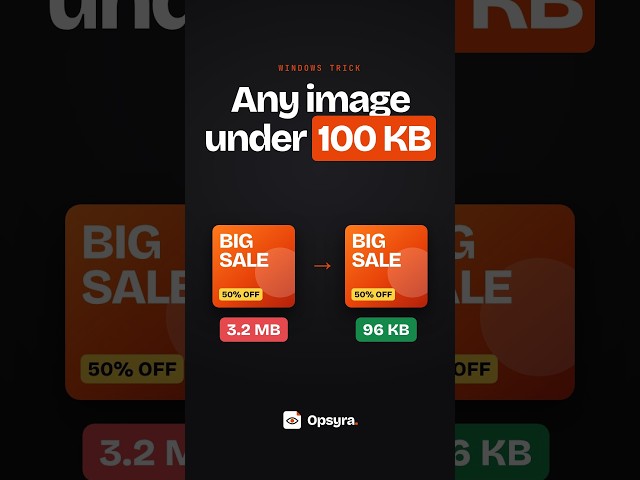
Job forms, email and ad platforms keep rejecting images over 100 KB. Here is how to compress any JPG or PNG to under 100 KB ...
42 views
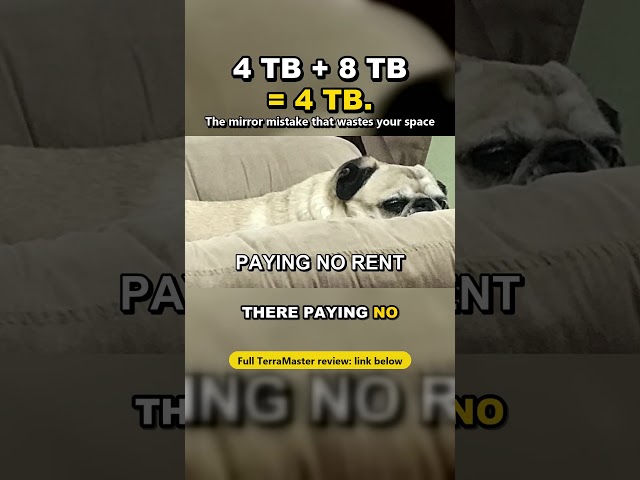
The mirror mistake that quietly wastes your space. The full TerraMaster D8 Hybrid 2 review is linked above. Early Black Friday: my ...
20 views
42 min ago
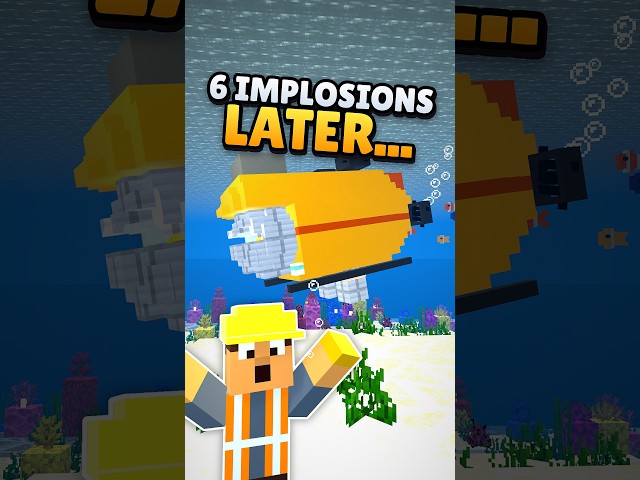
submarine #howitworks #minecraft How do deep sea submarines survive over 1000 atmospheres without imploding? I built one ...
4 views
10 min ago
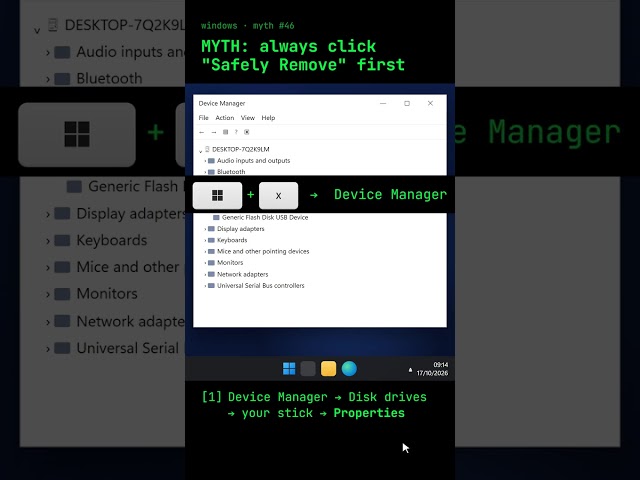
... Windows tricks every week. Like and subscribe so you don't miss the next one. #Shorts #Windows11 #WindowsTips #PCTips ...
19 views
33 min ago
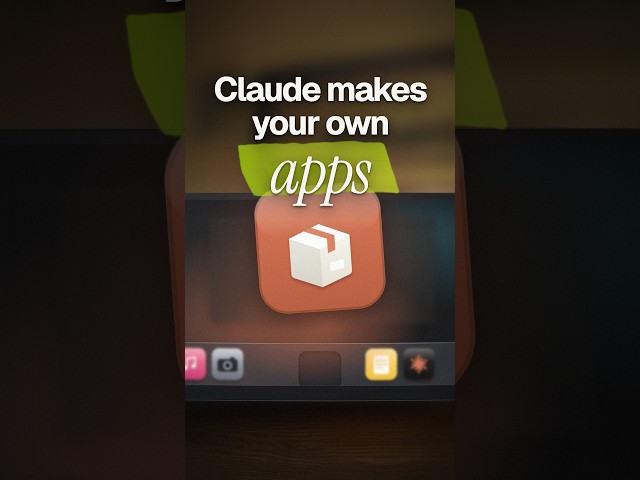
Claude can now turn your ideas into desktop apps. Ask it for a little tool, like an order tracker, then pick "Install as app" from the ...
10 views
58 min ago
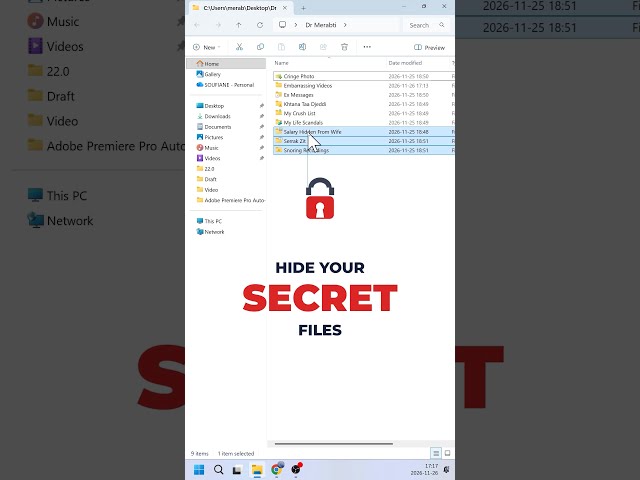
Save it for later #DrMerabti #Windows #Windows11 #PCTips #ComputerTips #WindowsTips #TechTips #HiddenFiles ...
447 views
44 min ago