Upload date
All time
Last hour
Today
This week
This month
This year
Type
All
Video
Channel
Playlist
Movie
Duration
Short (< 4 minutes)
Medium (4-20 minutes)
Long (> 20 minutes)
Sort by
Relevance
Rating
View count
Features
HD
Subtitles/CC
Creative Commons
3D
Live
4K
360°
VR180
HDR
5,793,765 results
I accidentally uploaded this video in 240p. Here's the 1080p version: https://youtu.be/CNcZH-sHCuc Learn how to use Windows ...
12,458 views
10mo ago
Writer: Brett Stelmaszek Editor: Jayson van Kerckhoven Music: spring gang - Mama Funk | Epidemic Sound ...
90,940 views
5d ago
More info about New UI Changes Coming to Windows 11 26H2: ...
1,021 views
51 min ago
... change the last one (1) in the command to a zero (0) Windows 11 has a ton of default settings that are pretty annoying or just not ...
307,352 views
9mo ago
I've talked before about how I'm fairly conservative when it comes to debloating. I don't do heavy debloats, I don't think they are ...
109,713 views
2mo ago
Your PC is getting better at managing its memory, helping everything run smoothly when you're opening apps, browsing the web ...
1,873 views
Sometimes we do not have a choice but to use Windows 11. I will tame Windows 11 so all the privacy invading features are turned ...
485,000 views
11mo ago
Here is the Ultimate "DARK" Windows 11 LTSC Optimization Guide for 2026 – Dark Theme edition built for gamers and power ...
108,409 views
Learn how to use Windows 11 step-by-step with this beginner-friendly tutorial! If you're new to Windows or helping someone who ...
799 views
5mo ago
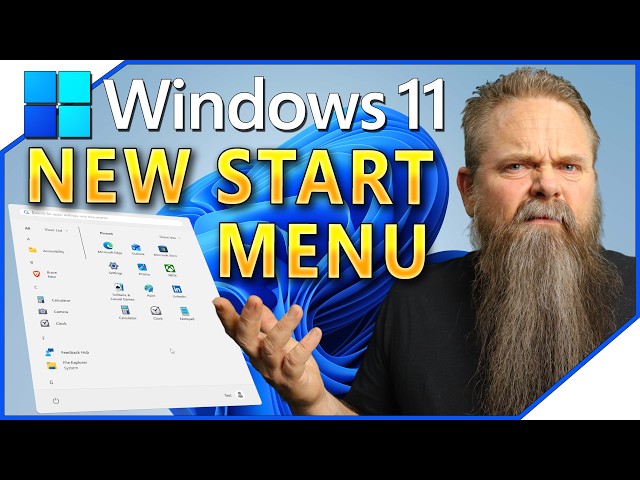
The new Start Menu, Taskbar, and Search are available now in Windows 11. You don't have to wait for the release of 26H2.
186,539 views
The annual major Windows update just dropped, so what's new? It's once again time for the annual major "feature update" for ...
801,805 views
1mo ago
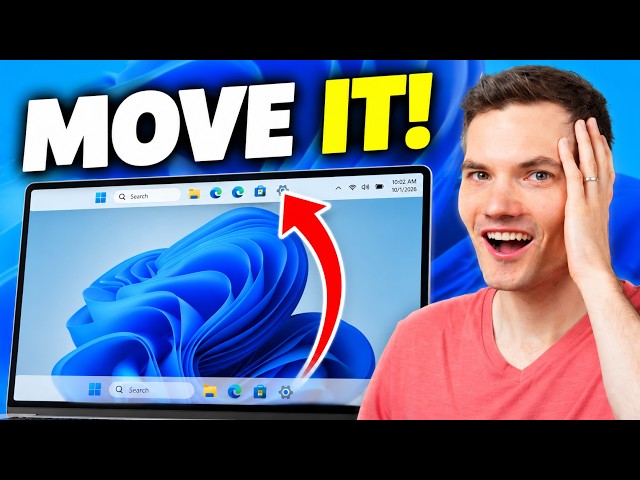
Windows 11 customization is finally getting better. You can now move the taskbar to the top or sides of your screen, make it ...
92,662 views
Tutorial for How to Customize your Mouse Cursor to ANY image you want. This will work on Windows 11 and Windows 10.
957,049 views
Want to protect your Windows 11 PC with a password? In this quick tutorial, you'll learn how to set a password in Windows 11 ...
748,990 views
A step-by-step tutorial on 11 new features in Windows 11, including useful updates to the Taskbar, Start menu, and Windows ...
24,567 views
4mo ago
Install Windows 11 with less bloat and more control. I walk through downloading the official ISO, customizing it with WinUtil, ...
213,082 views
6d ago
Which features or apps in the Windows default install should I uninstall or deactivate quite a few actually but there's two main ways ...
674,052 views
8mo ago
Windows 11 tutorial for beginners: the full course in one video. New to Windows 11, or want to finally use it like a pro? This free ...
2,216 views
8d ago
1,713,624 views