Upload date
All time
Last hour
Today
This week
This month
This year
Type
All
Video
Channel
Playlist
Movie
Duration
Short (< 4 minutes)
Medium (4-20 minutes)
Long (> 20 minutes)
Sort by
Relevance
Rating
View count
Features
HD
Subtitles/CC
Creative Commons
3D
Live
4K
360°
VR180
HDR
3,619 results
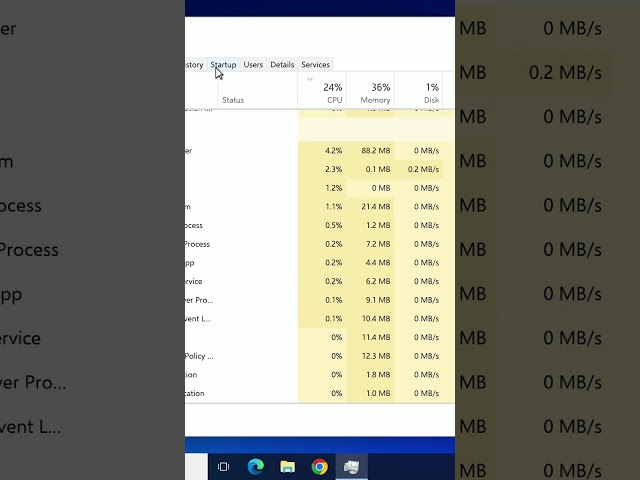
Here's how to fix 100% CPU usage on Windows 10, on a PC or laptop, when your computer is slow and Task Manager shows the ...
2 views
42 min ago
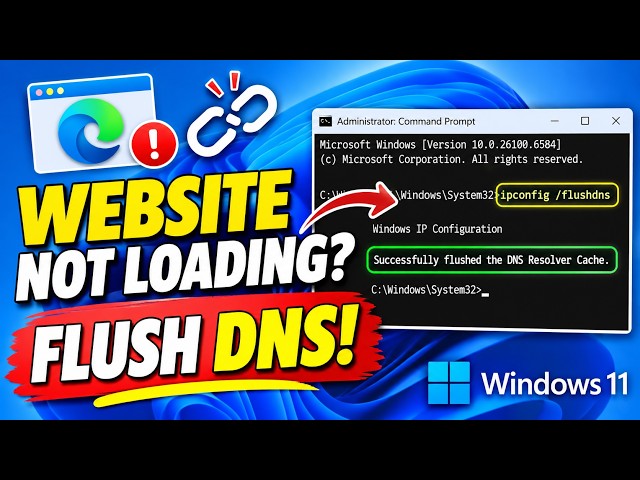
Are websites not loading properly on your Windows 11 PC, even when your internet connection is working? In this tutorial, I'll ...
0 views
24 min ago
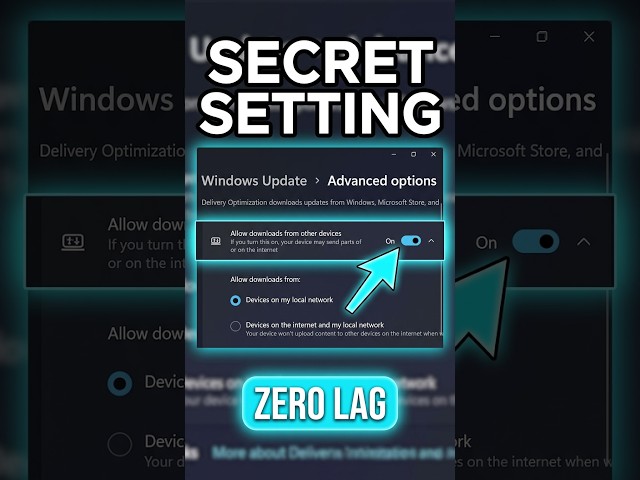
Is your ping spiking in games or your Wi-Fi feeling slow on Windows 11? By default, Windows Delivery Optimization uses your ...
6 views
0
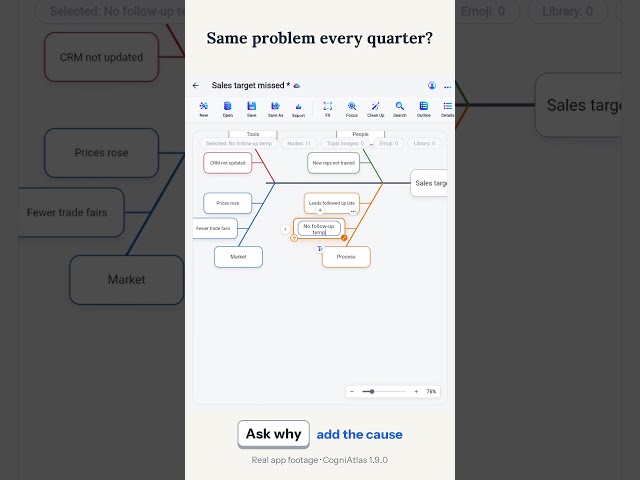
Same problem, every quarter? Put it at the head of a fishbone, the causes on the bones, and keep asking why. Focus the bone ...
8 min ago
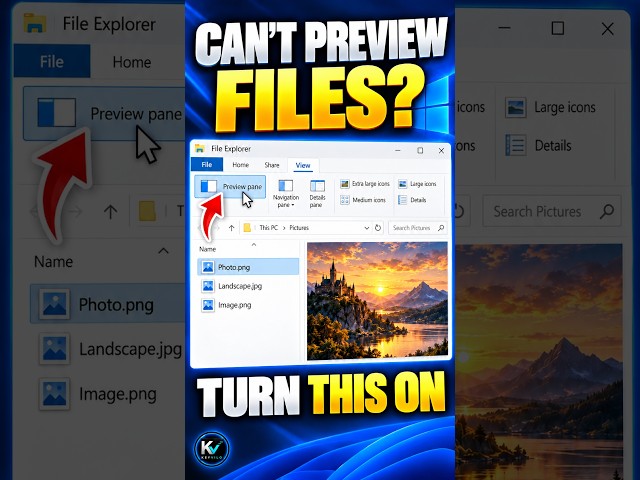
File preview not showing in Windows 10 File Explorer? Learn how to enable the Preview Pane so you can inspect supported files ...
1 view
12 min ago
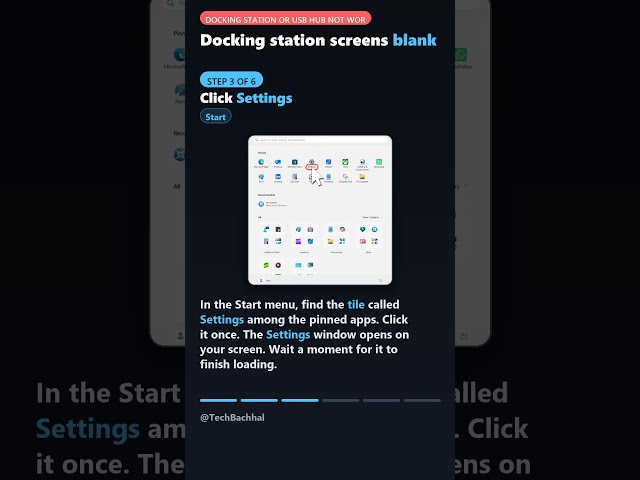
Here is the whole fix, step by step: 1. Use your keyboard for this step (Keyboard shortcut) Your dock is plugged in but the screens ...
3 views
13 min ago
Links from the video: gpu-unlock-ada (Linux, RTX 4090 + 40 series): https://github.com/JustAResearcher/gpu-unlock-ada ...
52 views
38 min ago
Learn how to fix Discord stream lag with this easy step-by-step tutorial. This guide shows you how to troubleshoot Discord screen ...
57 min ago
Description Your Azure CLI command works on your laptop and fails in the pipeline. Old Azure CLI and Azure PowerShell ...
Learn how to stop OneDrive syncing with this simple guide. This tutorial shows you the steps to pause or disable the service ...
Is VLC suddenly taking forever to start? Windows Defender is to blame – one click in the Start menu will get VLC running ...
9 min ago
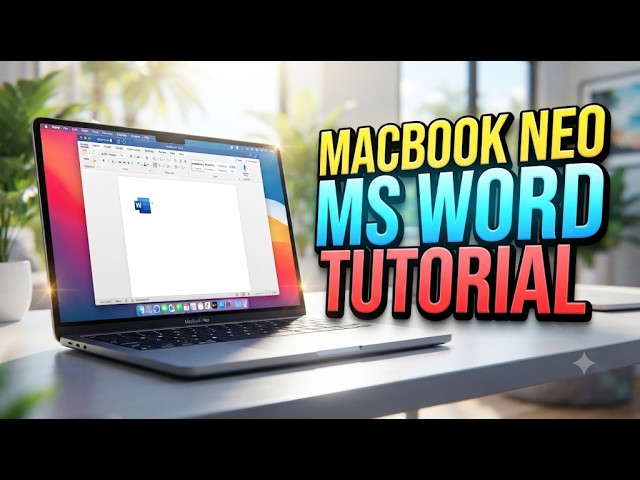
How To Use MS Word In Macbook Neo So you just got your hands on a slick new MacBook Neo and you are ready to get down to ...
48 min ago
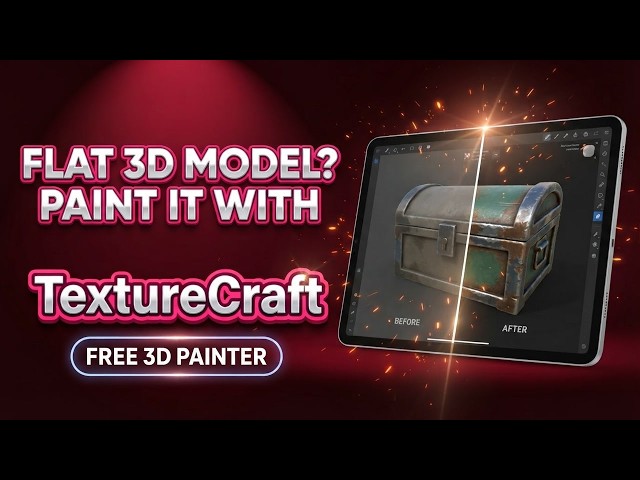
Learn how to use TextureCraft, the free, open-source 3D texture painter from the ArtCraft team, by turning a bare grey crate into a ...
Learn how to add a device in Windows 11 with this simple guide. This tutorial shows you the steps to connect your hardware.