ViewTube

ViewTube
Sign inSign upSubscriptions
Filters

Upload date

Type

Duration

Sort by

Features

Reset

567 results

Robert Torb

663 subscribers

Robert Torb
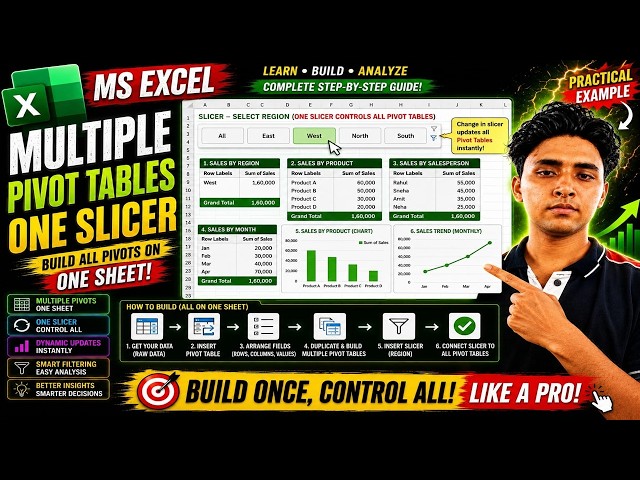
How to create pivot table in MS Excel. How to connect one slicer to multiple pivot tables|Lecture10

Hi guys in today's video we are going to explore Pivot Table in MS Excel. We will learn how to create pivot tables, pivot chart, ...

8:02
How to create pivot table in MS Excel. How to connect one slicer to multiple pivot tables|Lecture10

316 views

2mo ago

Robert Torb
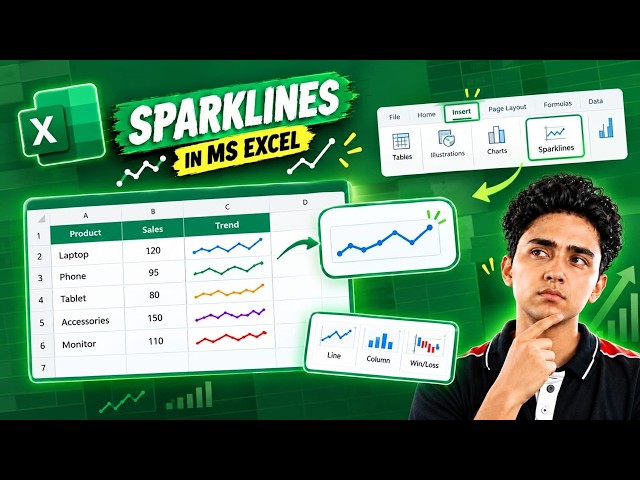
How to Create Sparklines in MS Excel | Mini Charts in cells.

This is the Lecture no 12 of the Office Spreadsheet Mastery Course. In this video we will learn what is sparklines in MS Excel and ...

2:49
How to Create Sparklines in MS Excel | Mini Charts in cells.

359 views

1mo ago

Robert Torb
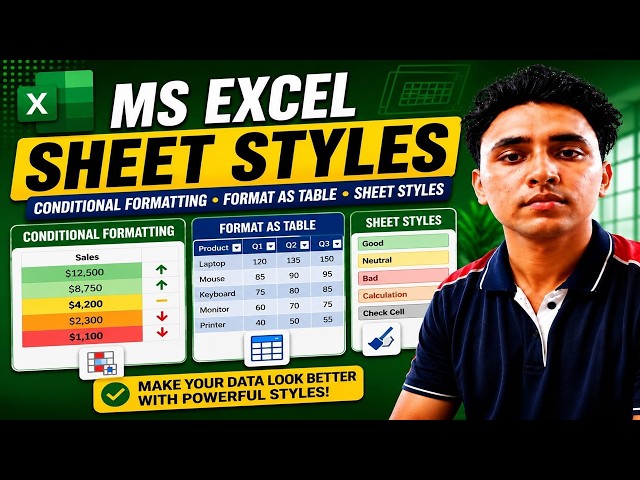
MS Excel: Conditional Formatting, Format as a Table, and Cell Styles | Lecture 4

MS Excel: Conditional Formatting; Format as a Table and Sheet Styles | Lecture no. 4 📌 In this tutorial, you’ll master three ...

5:47
MS Excel: Conditional Formatting, Format as a Table, and Cell Styles | Lecture 4

144 views

4mo ago

Robert Torb
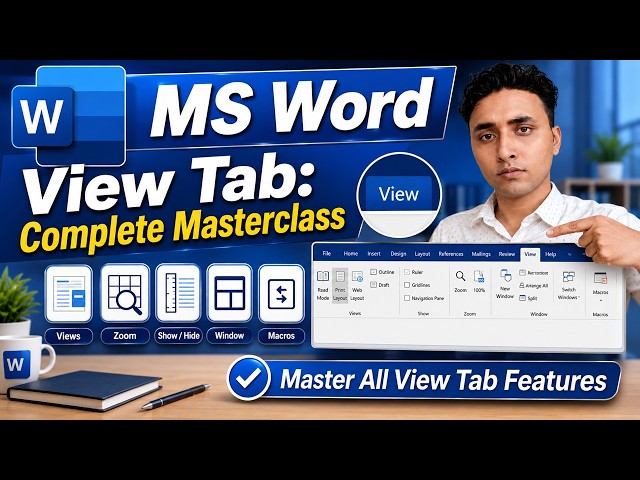
Learn MS Word View Tab in 7 Minutes | All you need to know about the Word View Tab | Lecture no 20

Think you know Microsoft Word? 🤔 The View Tab hides powerful features that can completely change how you read, navigate, and ...

7:05
Learn MS Word View Tab in 7 Minutes | All you need to know about the Word View Tab | Lecture no 20

182 views

5mo ago

Robert Torb
MS Excel: Insert, Delete, Format Cells & Protect Sheet. Sequential guide for beginners | Lecture no5

Master the MS Excel Home Tab Cells group in this step‑by‑step tutorial! This video explains how to use the Insert, Delete, and ...

6:18
MS Excel: Insert, Delete, Format Cells & Protect Sheet. Sequential guide for beginners | Lecture no5

208 views

4mo ago

Robert Torb
Data Validation in MS Excel | How to create Dropdown Menu in MS Excel | Lecture no 9 | Haneef Khan

In this lecture we will discuss how to use data validation in Ms excel. i will demonstrate How to create dropdown menus set ...

6:09
Data Validation in MS Excel | How to create Dropdown Menu in MS Excel | Lecture no 9 | Haneef Khan

203 views

3mo ago

Robert Torb
MS Excel: Alignment and Number Formatting | Lecture No. 3 | Office Spreadsheet Mastery Course

Master the essentials of Excel formatting with this step‑by‑step guide! In this video, you’ll learn how to align text like a ...

4:38
MS Excel: Alignment and Number Formatting | Lecture No. 3 | Office Spreadsheet Mastery Course

449 views

4mo ago

gaming tech by HANEEF

17 subscribers

Robert Torb
MS Excel Flash Fill: Split, Merge Data Instantly | Tricks You Need to Know | Lecture no. 7 Robert...

The Flash Fill Function Can Execute the pattern algorithm of Excel which can fill thousands of rows based on your sheet data ...

5:34
MS Excel Flash Fill: Split, Merge Data Instantly | Tricks You Need to Know | Lecture no. 7 Robert...

163 views

3mo ago

Robert Torb
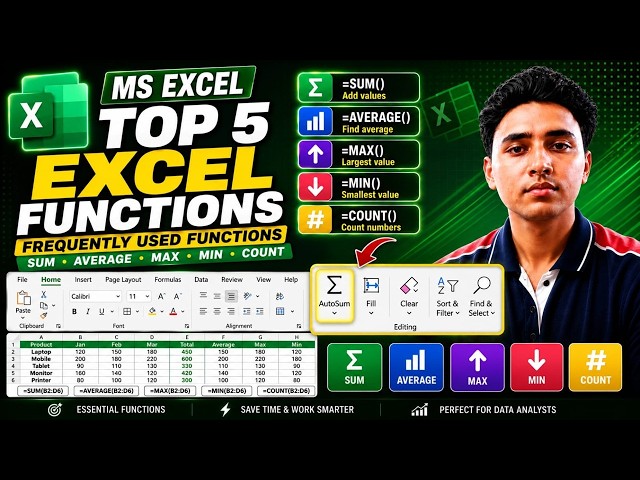
Top 5 Most Used MS Excel Functions for Beginners: AutoSum and More | Robert Torvalds | Lecture 6

The top 5 most used MS excel functions listed below 1) =sum(select the range you want to sum) and Enter 2) =average(select ...

5:51
Top 5 Most Used MS Excel Functions for Beginners: AutoSum and More | Robert Torvalds | Lecture 6

367 views

4mo ago

Robert Torb
How to make a professional certificate in MS Word: Step-by-step full guide (Part 1 | Lecture 13)

In this video, you’ll learn how to design a professional certificate using Microsoft Word step by step. This practical guide ...

6:15
How to make a professional certificate in MS Word: Step-by-step full guide (Part 1 | Lecture 13)

282 views

6mo ago

Robert Torb
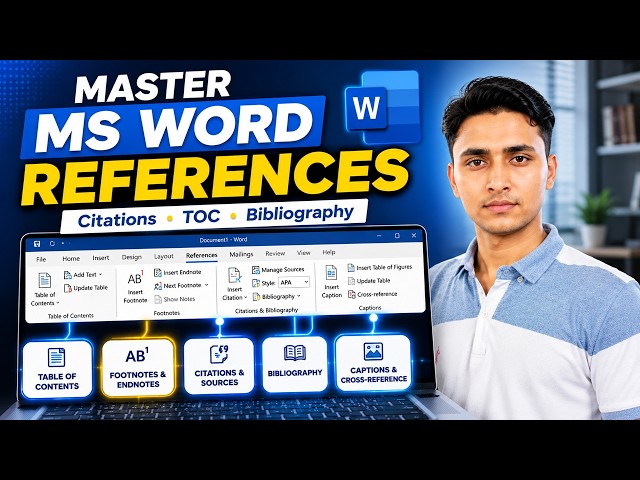
MS Word References Tab | Master Auto-Indexing & Captions in MS Word | Lecture 17

📘 Master the MS Word Reference Tab in this complete tutorial! Learn how to add citations, create bibliographies, insert ...

7:05
MS Word References Tab | Master Auto-Indexing & Captions in MS Word | Lecture 17

157 views

6mo ago

Robert Torb
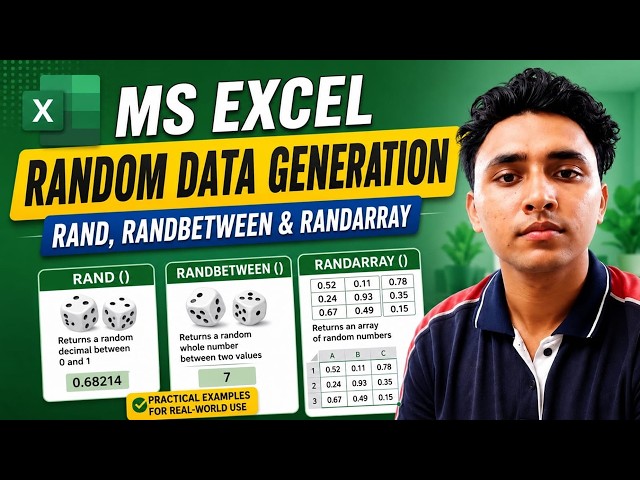
Generate Random Data in MS Excel for Beginners: RAND, RANDBETWEEN, and RANDARRAY Functions

🎲 Microsoft Excel Random Data Functions In this video, you’ll explore how Excel can generate random numbers and values using ...

4:56
Generate Random Data in MS Excel for Beginners: RAND, RANDBETWEEN, and RANDARRAY Functions

505 views

5mo ago

Robert Torb
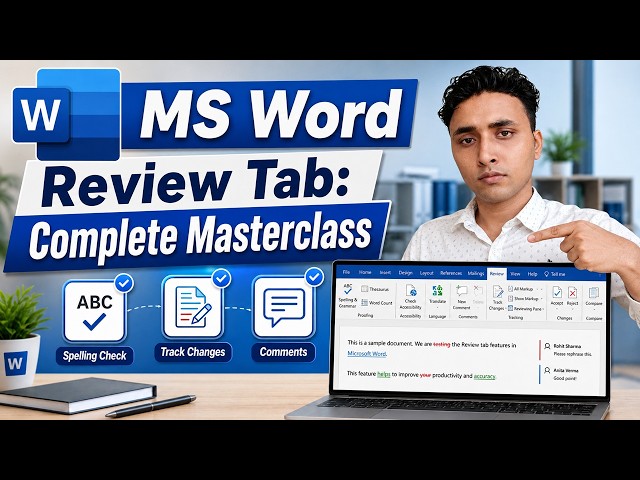
MS Word Review Tab Full Tutorial for Beginners in 5 minutes. Practical guide in Hindi. Lecture no19.

Learn everything about the Review Tab in MS Word in this simple and easy tutorial. This video will help you understand all the ...

5:44
MS Word Review Tab Full Tutorial for Beginners in 5 minutes. Practical guide in Hindi. Lecture no19.

723 views

6mo ago

gaming tech by HANEEF
GTA liberty city stories just game play
4:57
GTA liberty city stories just game play

29 views

6y ago